
Add-on EQ8 Block Libraries for AccuQuilt BOB’s (Block on Board) and AccuQuilt Qubes.
I am excited to share that I have partnered with two of my favorite companies, AccuQuilt and Electric Quilt, to re-release my block library downloads and make them official EQ products that will be available for sale on both of their websites!
Now you have even more terrific reasons to add these to your collection! With this partnership, the original GO! Qube and BOB products have been completely revamped in a new format.
- They are easier to use as the blocks will install directly into your EQ8 Block Library
- PDF Resources are included and they install into your My EQ8 > Documentation folder so they are easy to find
- There is a new detailed guide (PDF) on how to use the blocks with your EQ software and how to use them with any size GO! Qube and how to use the AccuQuilt BOB’s.
- Block notecards now include helpful tips and information for the blocks
- Many of the libraries will come with quilt designs included for inspiration and to spark your creativity
EQ8 and AccuQuilt are the perfect blend of creativity and precision.
- So convenient to use, just set the blocks and begin designing.
- Quickly create quilts with these beautiful blocks addingyour own fabrics and colors
- Cut out your design with speed and accuracy using GO! Dies and Cutters
Products Available
How to Copy and Paste EQ8 Block Library file Video for Windows and MAC
Troubleshooting and Frequently Asked Questions
Products Available
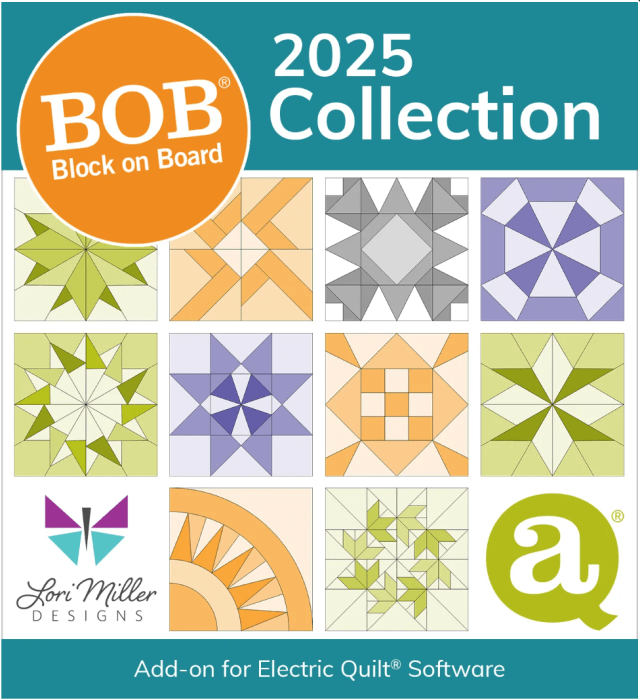
COMING SOON! EQ8 Block Library: AccuQuilt GO! BOB 2025 Collection
Add-on EQ8 Block Library including 14 blocks that make up the 8 BOB (Block on Board) dies released by AccuQuilt in 2025, including special licensed designs by Kaye England and the Sew Steady Pinwheels.
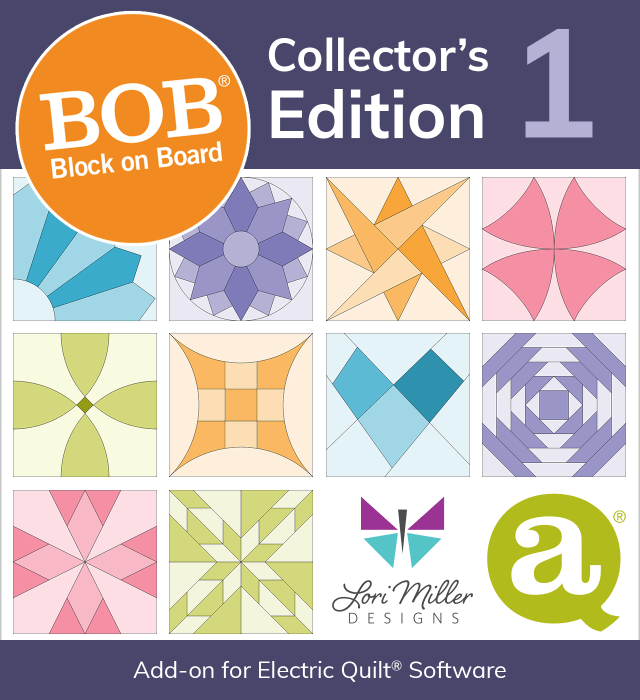
EQ8 Block Library: AccuQuilt GO! BOB Collectors Edition 1
Add-on EQ8 Block Library including blocks for the 41 BOB (Block on Board) dies released between 2012 and 2020, including retired dies!
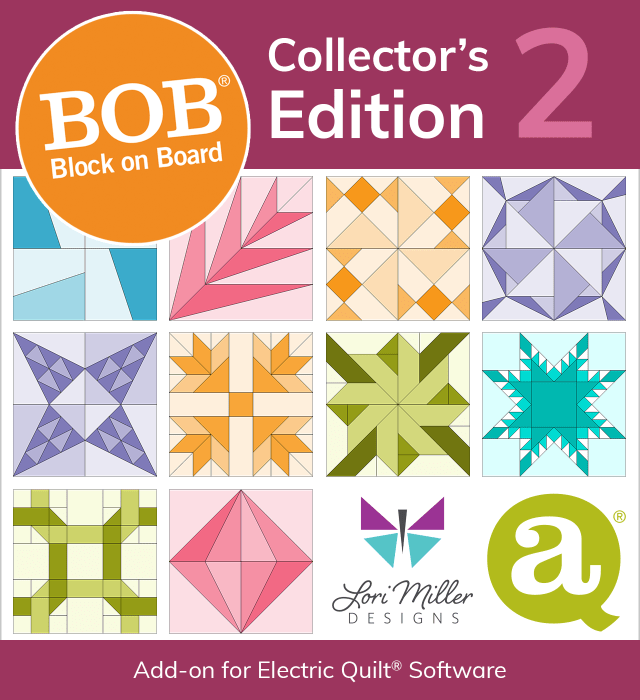
EQ8 Block Library: AccuQuilt GO! BOB Collectors Edition 2
Add-on EQ8 Block Library including 44 BOB (Block on Board) dies released between 2021 and 2024, including retired dies!
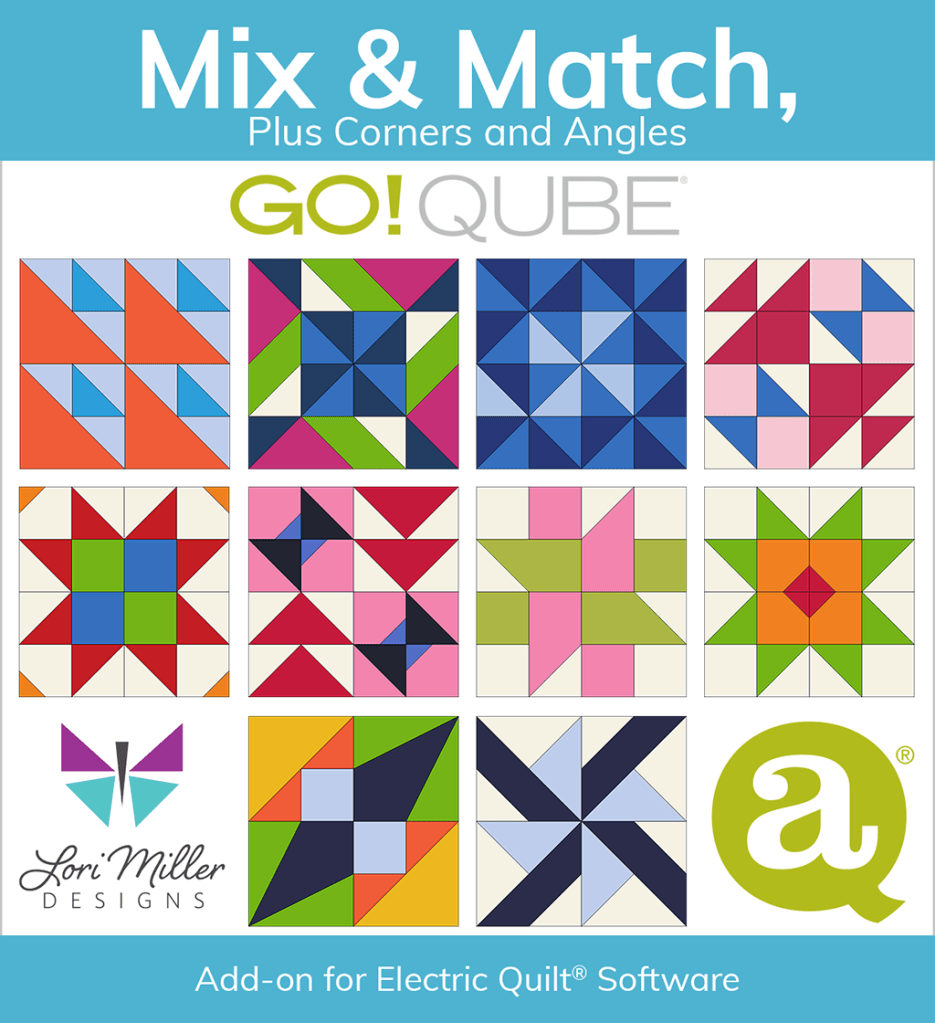
EQ8 Block Library: AccuQuilt GO! QUBE Mix & Match Plus Corners and Angles
Add-on EQ8 Block Library including all 216 of the original four patch block designs (2 X 2 grid) provided in the GO! Qube System Brochure. Available in all Qube sizes.
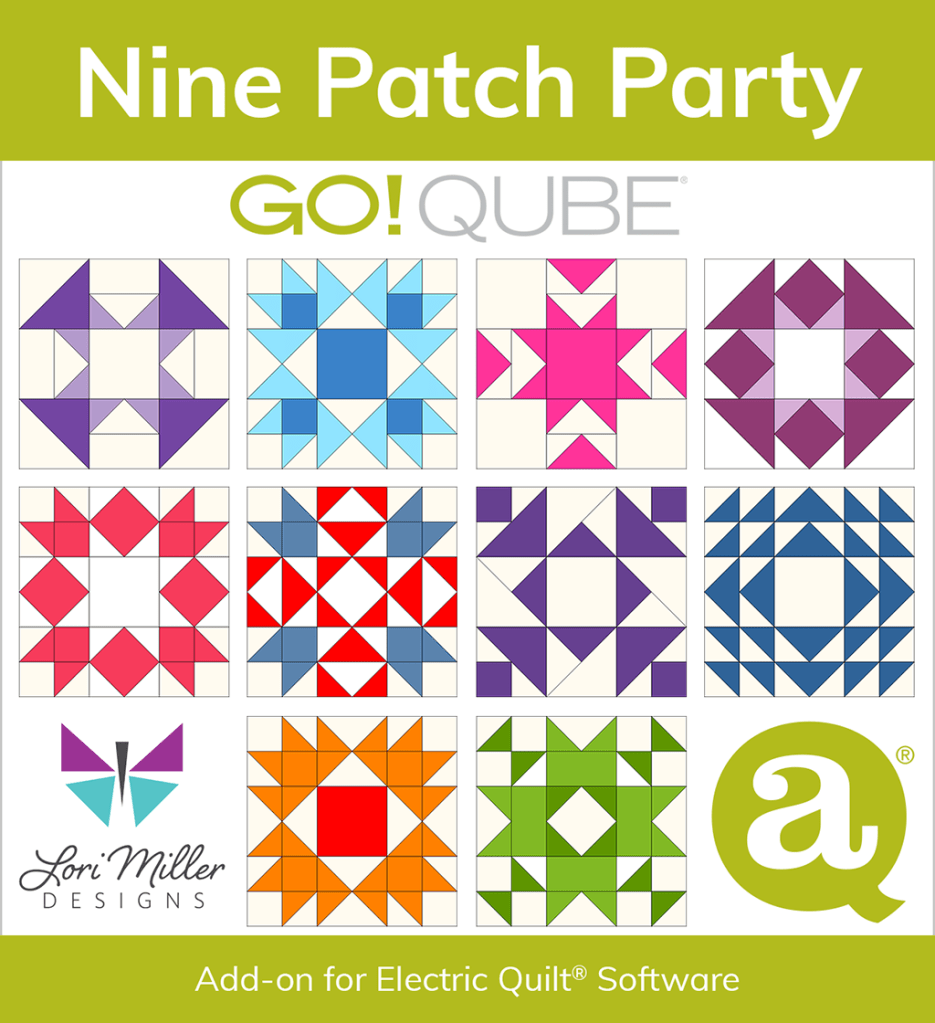
EQ8 Block Library: AccuQuilt GO! QUBE Nine Patch Party
A block library with 60 lovely Nine Patch Designs (3 x 3 Grid) using the GO! Qube Mix & Match System. From beginner to challenging, traditional to creative, there is sure to be a block for you. Available in all Qube sizes.
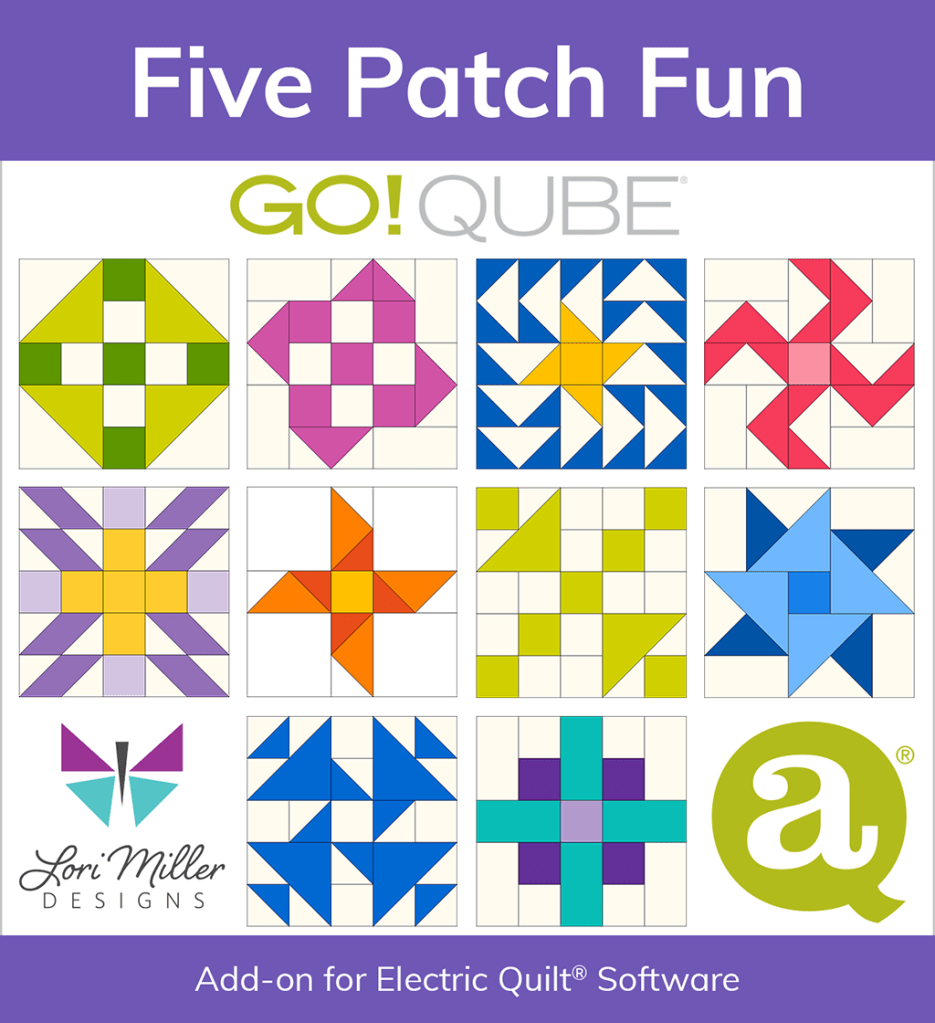
EQ8 Block Library: AccuQuilt GO! QUBE Five Patch Fun
Contains a library of 60 Five Patch Designs(5 X 5 grid) using the GO! Qube Mix & Match System. There are new, creative and even familiar blocks to design stunning quilts. Available in all Qube sizes.
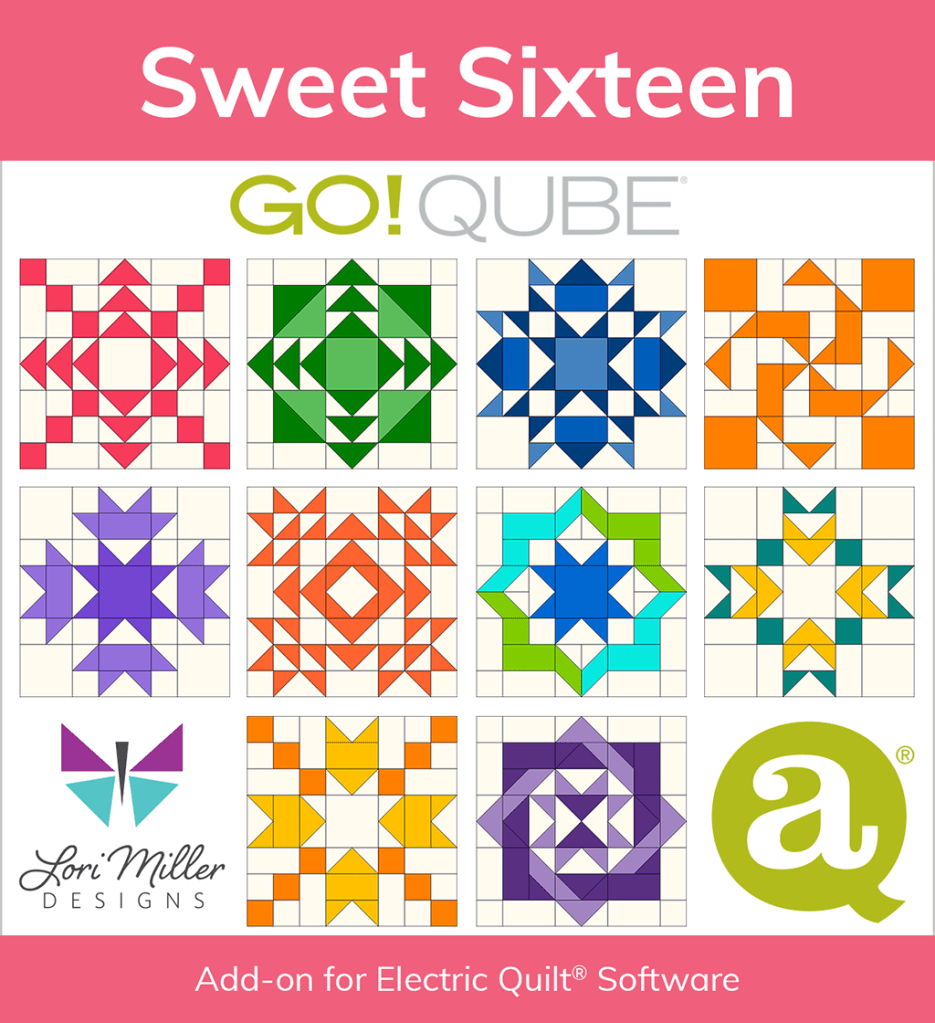
EQ8 Block Library: AccuQuilt GO! QUBE Sweet Sixteen
60 Stunning Sixteen Patch Designs (8 X 8 grid) using the GO! Qube Mix & Match System. Inside are spectacular, detailed large blocks you can use to design gorgeous quilts. Available in all Qube sizes.
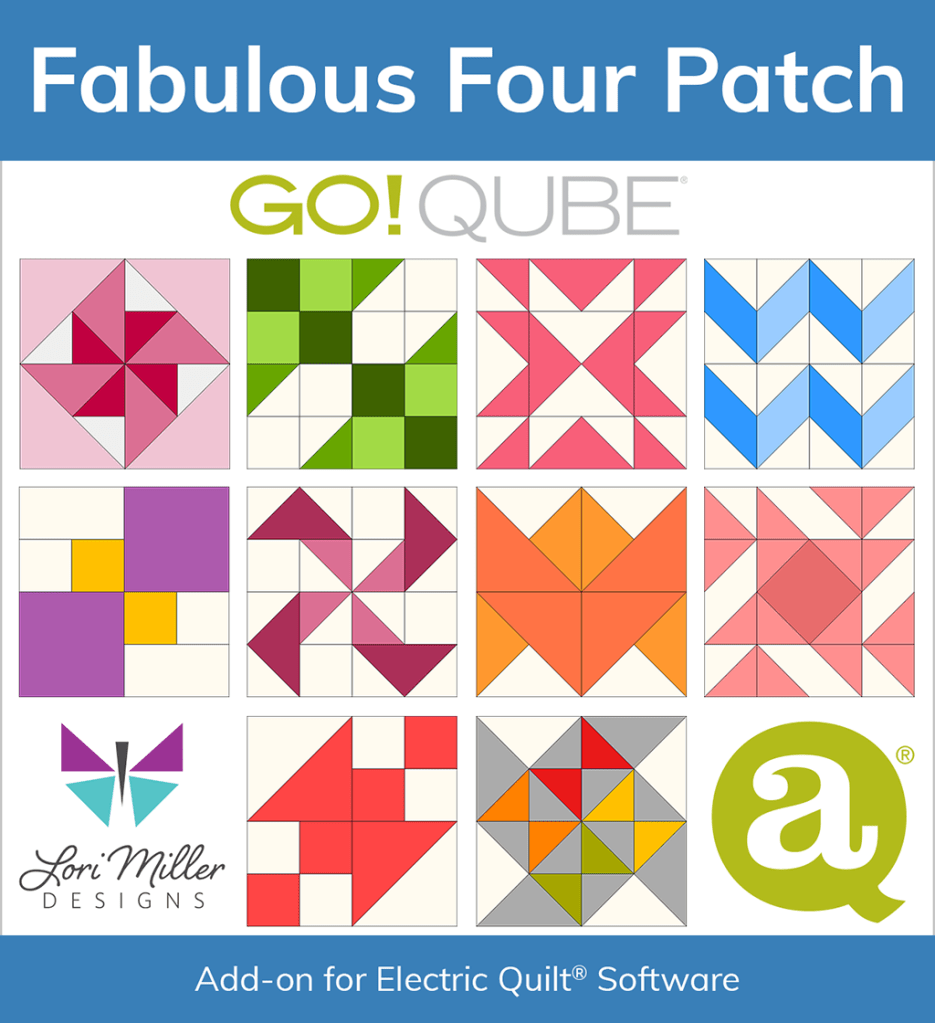
EQ8 Block Library: AccuQuilt GO! QUBE Fabulous Four Patch
Even More Four Patch Blocks (2 X 2 Grid) to make with your GO! Qube Mix & Match dies. Sixty fun and clever blocks to design more breathtaking quilts that are easy to cut with your GO! Cutters. Available for all GO! Qube Sizes.
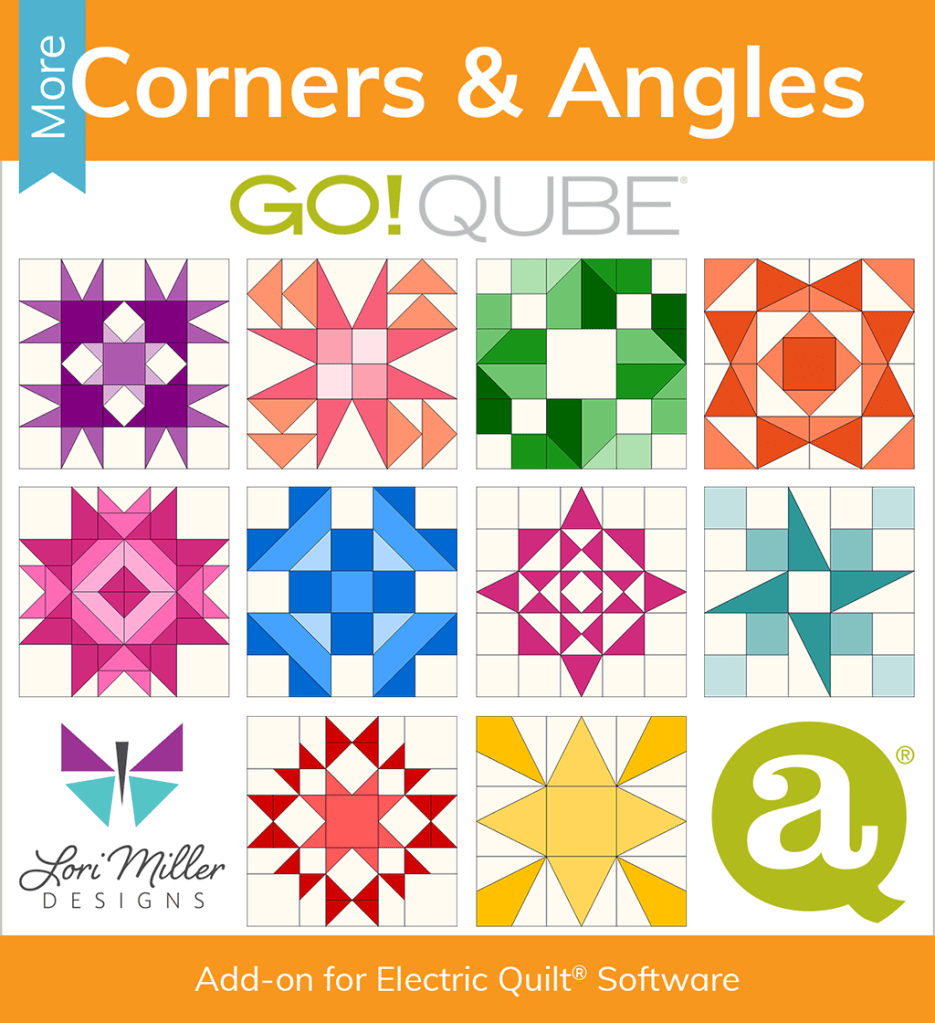
EQ8 Block Library: AccuQuilt GO! QUBE MORE Corners & Angles
Take advantage of those GO! Qube Companion Corner & Angles to make 60 Creative Quilt Block Designs. Including blocks using 4 different grids sizes, the design possibilities are endless. Available for all GO! Qube Sizes.
AccuQuilt GO! Qube® Quick Reference Guides
Larger print, visual guides to help you figure out how to cut out the shapes you need from your AccuQuilt GO! Qubes Mix & Match and Companions and Strips. Know what size strips to cut, how many shapes you can cut from a strip, how many shapes on a die and more convenient guide gathers all the information you need in one place!
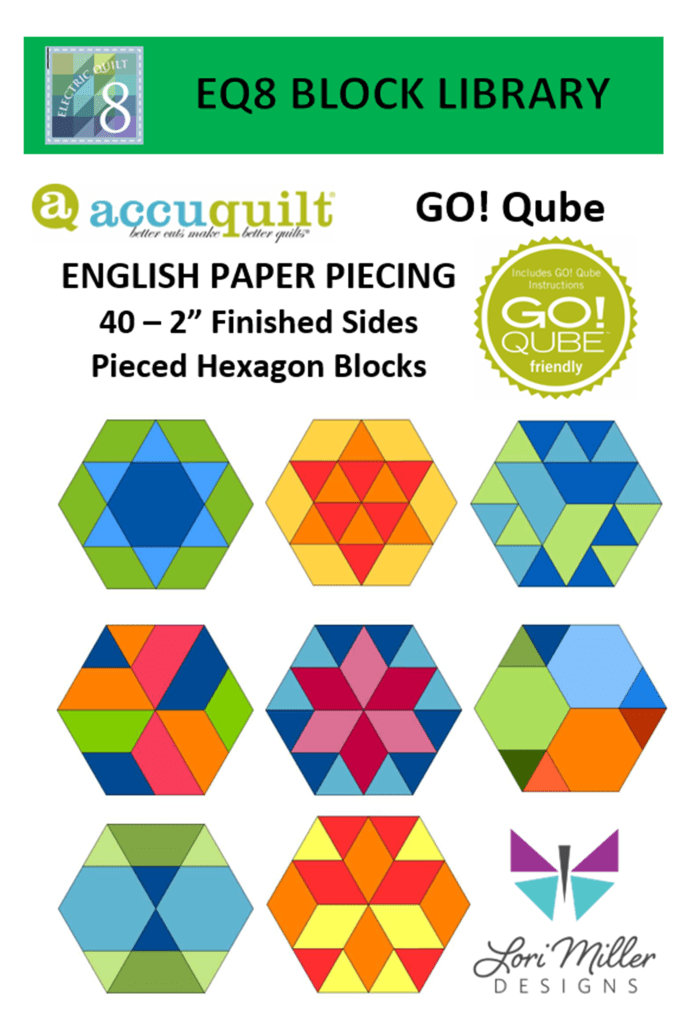
EQ8 Block Library: AccuQuilt Go! QUBE EPP
This product contains 40 Pieced Hexagon Block Designs using the GO! Qube English Paper Piecing System. The hexagons have 2″ finished sides. This set contains the 36 blocks found inside the AccuQuilt EPP brochure plus 4 bonus blocks so that you can design lovely, detailed blocks for your quilts and projects. Bonus EQ8 Hexagon Quilt layout lessons are included.
The following instructions and FAQ ONLY apply to Add-on libraries purchased from Lori’s Etsy Shop prior to April 15th, 2025.
How to copy and paste your EQ8 Block Library File for AccuQuilt
Please note: If your video looks blurry, try clicking on the HD button at the bottom of the screen on the video to add some clarity. There is also a button there to make it display full screen.
Here is a video example for Windows PC showing how to copy and paste your files.
Here is a video example for MAC Computer showing how to copy and paste your files.
Troubleshooting and FAQ
If you don’t find an answer to your question below, please feel free to email me at LoriMillerDesigns at Gmail.com.
NOTE: Be sure to print the READ ME Block Library Instructions PDF file for lots of great information about your Add-on EQ8 AccuQuilt Block Library file.
When I click on the block library file (*.blk), I get an error message or it looks for a program to open it. What is wrong?
The block library file (*.blk) is a data file and will not open anything if you double click it. It is not executable. The error message is valid. You need to copy and paste the file DIRECTLY under the MY EQ8 > User Favorites folder on your computer. Once it is in place, you can open EQ8 and look for it in your block library under MY FAVORITE BLOCKS.
I have more than one size of AccuQuilt GO! Qube, do I need to purchase all of the sizes?
The short answer is NO. It is not necessary to purchase more than one size of Qube because you can change the block size in the EQ8 software and it will scale properly as long as you match the quilt block size to the Qube size.
I purchased your block library files from your Lori Miller Designs ETSY Shop, how do I download the files?
Etsy manages the download process for the files. You will need to download the files on a Computer as the files sometimes don’t appear on a mobile device. Etsy provides information on downloading digital files HERE or on your own Etsy Page, Go to YOU on the top right of the page. In the drop down menu, select Purchases and Reviews, scroll to your purchase. On the right side of your purchase, you should see a black button that says Download files.
I purchased your block library files from the ACCUQUILT Website, how do I download the files?
Accuquilt manages the download process for the files. I have created a helpful document that gives you some options to download your EQ8 Block library purchases from AccuQuilt. You can find it below.
I can’t find MY EQ8 folder on my computer. Can I just create one?
No, you cannot just create a folder. The MY EQ8 folder is created when you install your EQ8 quilt design software. The block library file has to be copied into the User Favorites folder under MY EQ8 or the software will not be able to read it. Try searching for MY EQ8 in your file explorer or mac libraries.
My *.blk file is in a folder under MY EQ8 > User Favorites and I can’t see any blocks. What is wrong?
The *.blk file must be DIRECTLY in the User Favorites folder for EQ8 to be able to read it. It cannot be in any other folder.
I purchased the 216 block EQ8 block library file, how do I know which Qube shapes to use to cut out the blocks?
You can find the Qube shapes required for each block in the Accuquilt GO! Qube Brochure. Since this was already available, I did not recreate it.
I can’t find where to copy the block libraries in EQ8. Where does the library file go?
You need to copy and paste the EQ8 Block library file OUTSIDE of EQ8. So you are using your file manager from your computer or mac to copy and paste the file. Once you copy the file into the proper location under the MY EQ8/USER FAVORITES folder, THEN you open EQ8 to find the new block library. It may be helpful watch one of the videos above to get familiar with the process described in the instructions.
I have a MAC, where do I place my blk file?
Navigate on your computer to your My EQ8 > User Favorites You will find this directory by clicking GO > Home on the top menu. Please note: The My EQ8 folder gets created in the HOME folder on MACs during installation. (In the past, the My EQ8 folder was created in the documents folder, you may still find remnants or a My EQ8 folder there, DO NOT use that one.)
The Log Cabin 12 block from the BOB Set 1 doesn’t match my Accuquilt die, is this right?
NO, you are absolutely right. If you purchased the Accuquilt BOB Set 1 EQ8 Library file before February 12, 2021, there is a correction. The Log Cabin 12 block center is too large. For an updated block, go to my Corrections and Errata page HERE.

 Lori Miller Designs