All Six EQ8 Add-ons for the GO! Qube Now Available

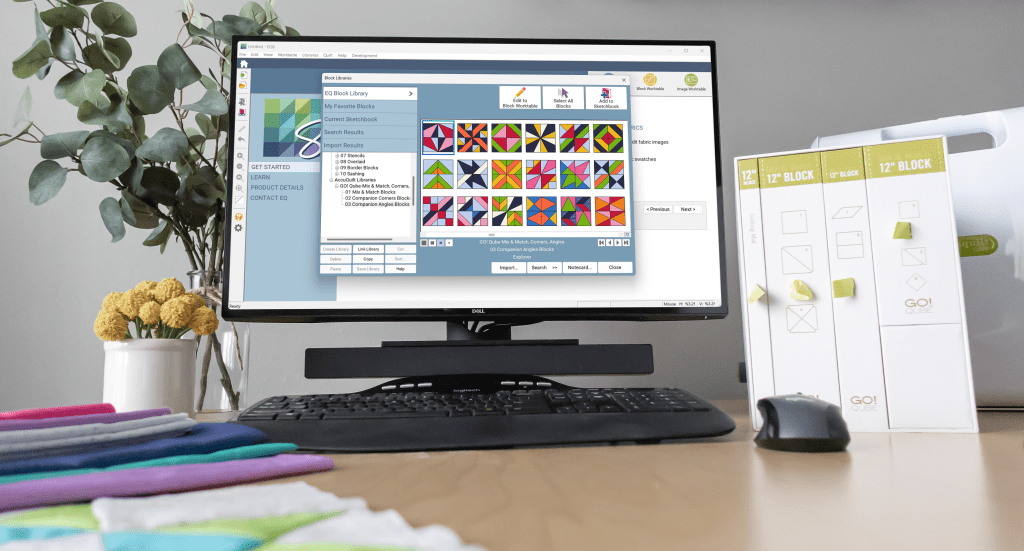
Quilty friends, I am excited to share that all six GO! Qube Block Add-ons for EQ8 are available! That’s right, there are six Block libraries offering hundreds more blocks that you can easily design within EQ8 and then cut out with your AccuQuilt GO! Qube dies and cutters.

Each of these six, easy-to-use block libraries will work with any size Qube. When you combine Electric Quilt® software with your AccuQuilt® GO! fabric cutter and GO! Qube dies, you have the perfect mixture of creativity and precision!

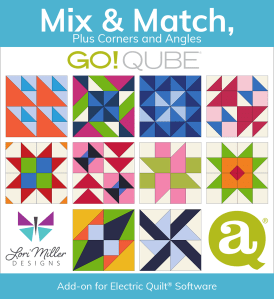
We released the first Block Library in October, and the reception has been so welcoming. If you missed it, you can read more about the GO! Qube Mix & Match, Plus Corners and Angles HERE! And let me introduce you to the rest of the family. Be sure to follow the LINKS for all of the details.

1 – Fabulous Four Patch

This block library contains 60 Four Patch blocks using a 2 X 2 grid.

2 – Five Patch Fun

This block library contains 60 Five Patch blocks using a 5 x 5 grid (small). 

3 – Nine Patch Party

This block library contains 60 Nine Patch blocks using a 3 X 3 grid.

4 – Sweet Sixteen

This block library contains 60 Sixteen Patch blocks using a 4 x 4 grid. 

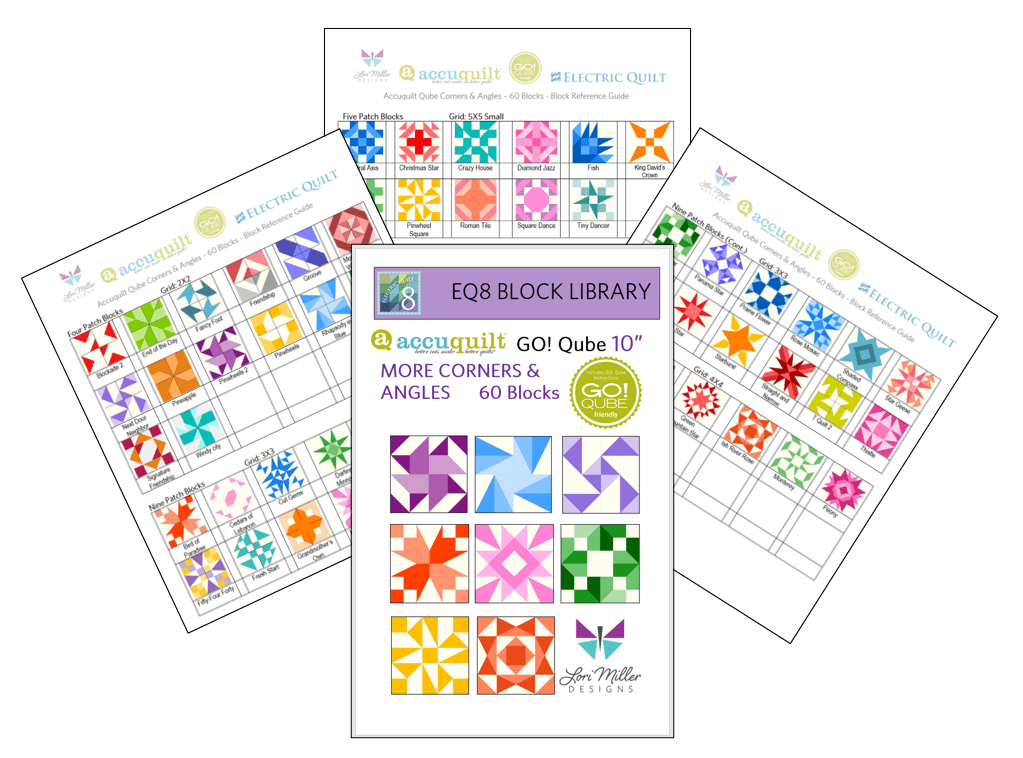
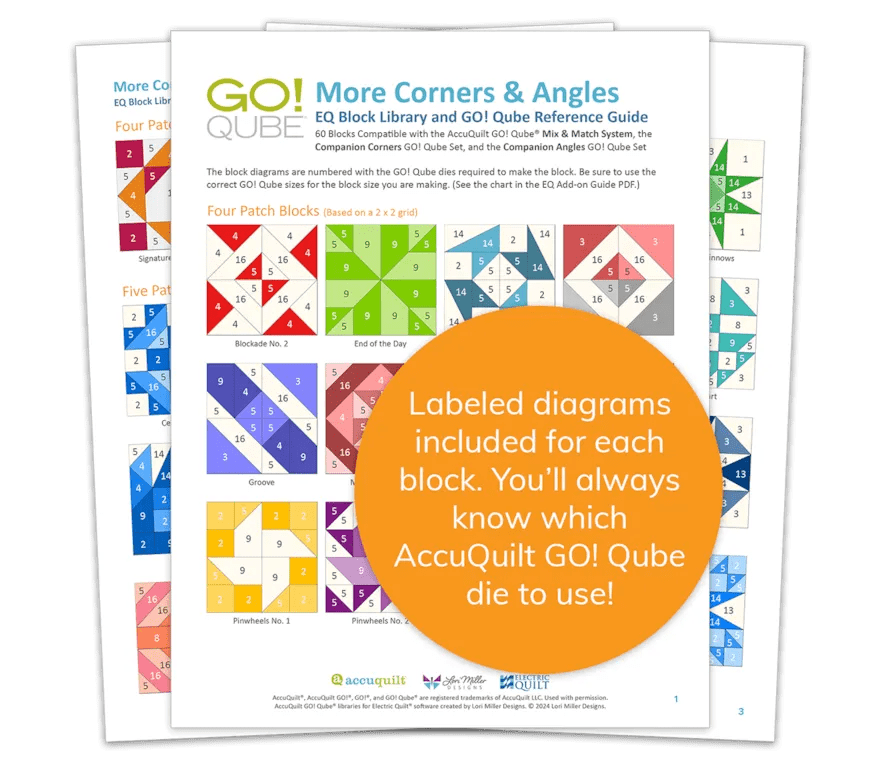
5 – More Corners & Angles

This block library contains 60 blocks that use the GO! Qube Mix & Match with the Companion Corners and Angles. The blocks come in multiple grid sizes with Four Patch, Five Patch, Nine Patch, Sixteen Patch, and 25 Patch blocks.

Each EQ8 Block Add-on Library for the GO! Qube comes with:

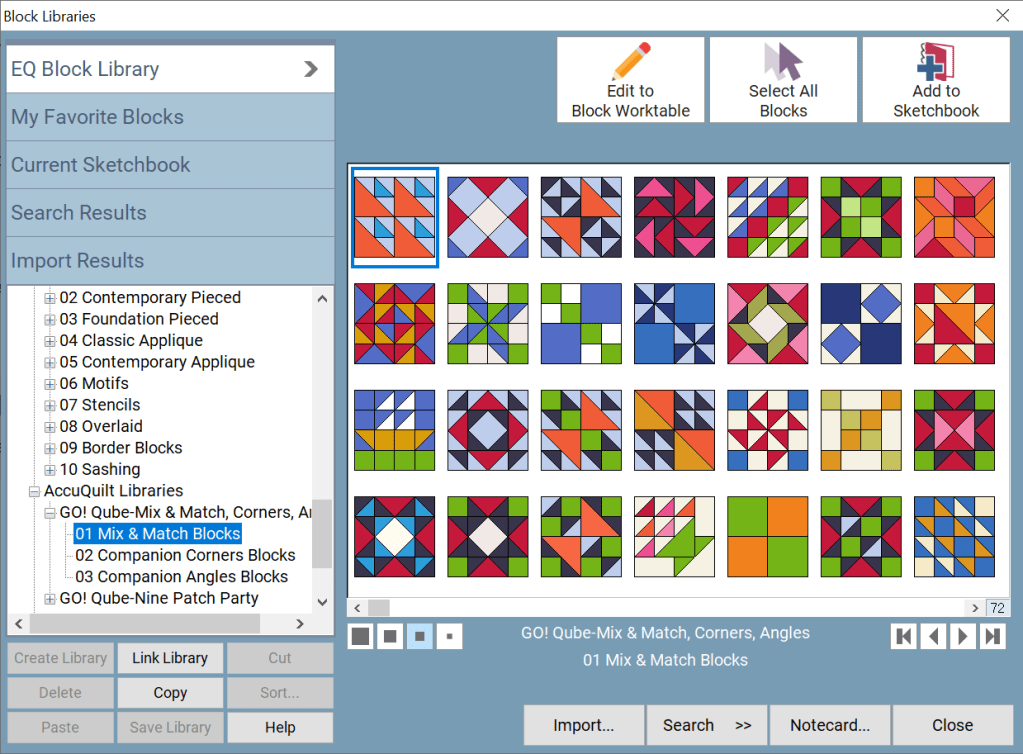
  • An automated download that loads the blocks directly into the AccuQuilt Libraries folder found in your EQ8 Block Library.
  • PDF Resources including color pictures of each block showing the GO! Qube die shape numbers required to create the block and additional information on how to use the blocks with your EQ software.
  • Ten quilt designs in 4 different colorways, a total of 40 quilt designs to inspire your design journey.
  • And Electric Quilt’s fantastic tech support; free with your purchase so if you need any help, just call, email, or live chat with them!
These products are available for purchase at ElectricQuilt.com and AccuQuilt.com!

Designed by Lori Miller Designs.

BIG NEWS! New Partnership!

I am so excited to share that Lori Miller Designs has teamed up with both AccuQuilt and Electric Quilt, two of my favorite companies whose products I love.

Since so many quilters have enjoyed my EQ8 Add-ons for AccuQuilt, the Electric Quilt Company and AccuQuilt have partnered with me to revamp my block downloads and make them official EQ products that will be available for sale on both of their websites!

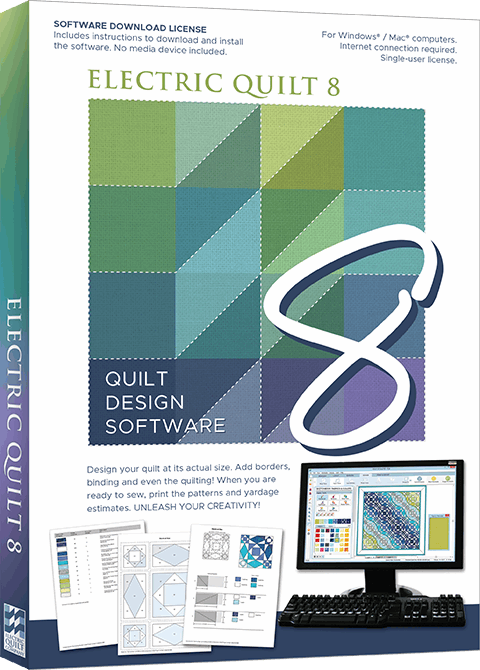
If you have not used EQ8 Quilt Design Software, it is an amazing product that gives you the ability to design your own quilts, make your own fabric choices, and discover hundreds of quilt blocks to customize into unique quilt designs. A copy of the EQ8 Quilt design software is required to use these block libraries.

If you are not familiar, AccuQuilt provides state of the art fabric cutting machines that cut accurate pieces with up to 6 layers of fabric, ten times faster than traditional methods.

My EQ8 Add-ons for the AccuQuilt GO! Qubes are all blocks drawn to use the die shapes in the AccuQuilt GO! Qube Mix & Match, plus Corner and Angles Companion dies. 

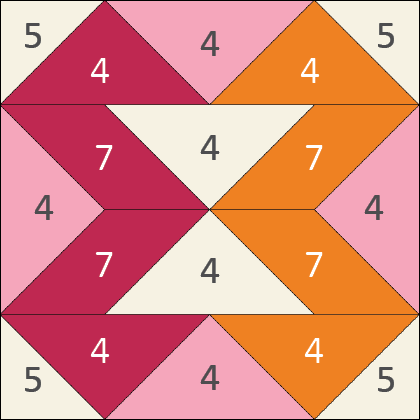
Included with the blocks are PDF Resources that allow you to build your blocks by the numbers, the actual shape numbers on the GO! Qube die sets.

If you are new to my EQ8 Add-ons for AccuQuilt, let me share a little about them.

Back in 2019 when I first started this adventure, I just wanted to have my own library of blocks in EQ8 that could be easily cut out with AccuQuilt dies   I loved designing my own quilts and EQ8 made it so helpful to see my fabric choices.  When I combined my quilt designs with the accuracy and time savings of cutting out the pieces with my AccuQuilt die cutting machine and dies, I was thrilled.

The convenience of designing with quilt blocks that are so easily cut out with your AccuQuilt tools makes cutting, sewing, and creating beautiful quilts so easy. They were so convenient, I wanted to share them with other Quilters and thankfully, you tried them and became fans too.

Now you have even more terrific reasons to add these to your collection!  With this partnership, the original GO! Qube products have been completely revamped and re-released in a new format.

  • They are easier to use as the blocks will install directly into your EQ8 Block Library
  • PDF Resources are included and they install into your My EQ8 > Documentation folder so they are easy to find
  • There is a new detailed guide (PDF) on how to use the blocks with your EQ software and how to use them with any size GO! Qube
  • Block notecards now include helpful tips and information for the blocks
  • Many of the libraries will come with quilt designs included for inspiration and to spark your creativity

The first product will be available on October 21st, 2024.  It is the GO! Qube Mix & Match Plus Corners and Angles featuring over 216 library blocks.

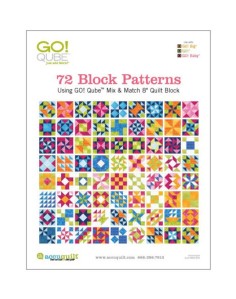
 These are the same blocks you see in the AccuQuilt GO! Qube brochure.

 Later in November, we will release the next 5 GO! Qube Add-ons with the AccuQuilt Block on Board (BOB) libraries coming in 2025.

I think this is the perfect mix of partners with AccuQuilt, Electric Quilt and Lori Miller Designs to bring you quilting products with the perfect mix of creativity and precision!

New Product! Add-On EQ8 Block Library – AccuQuilt Qube MORE Corners and Angles

It is here! Another stunning EQ8 Block Library Add-on for AccuQuilt Qubes! Now there are even MORE Corners and Angles Blocks you can make with your GO Qubes and Companions! These libraries are so convenient to use when designing quilts and table runners, just drop the block in where you want it. This new set of digital EQ8 Block Library files for the AccuQuilt Qubes includes 60 stunning block designs in four different grid sizes that you can load into EQ8 Quilt design software.

These library files are made to use with EQ8. EQ8 is Quilt Design Software by The Electric Quilt Company.  I design my quilts in EQ8, I teach EQ8 and I use EQ8 in my original patterns. I love that I can create my own designs and mix and match blocks easily in my designs until I have the perfect design. Then I can cut it out with my AccuQuilt GO Cutter.

These block designs work with the Accuquilt GO! Qube Mix & Match, Companion Corners and Companion Angles Block Die sets.  You can use the Die Shapes in the GO! Qubes to cut out all of these blocks.

These EQ8 Block Library files are downloadable digital files that are designed to work with your EQ8 Quilt Design Software.  They are only compatible with EQ8.  Once you place the block file in your library, you will be able to use it immediately to draw and design quilts.

Required: A running copy of EQ8 Quilt Design Software.

60 Beautiful Sixteen Patch Blocks!

I have included 60 MORE Corners and Angles Block designs with brand new, traditional and dynamic blocks. There are so many design possibilities in EQ8.

This Quilt features both the Homeward Star and Square Dance quilt blocks.

These blocks include four different grids, 2×2 Four patch Blocks, 3×3 Nine Patch Blocks, 4×4 Sixteen Patch Blocks and 5 x5 large and Small Blocks.

This Quilt uses the Rose Mosaic Block.

Complete Instructions including Die Cutting Guide!

Each set of library blocks comes with a complete set of Instructions, a Block Reference Guide and a Die Cutting Guide.

The Die Cutting Guide provides pictures of the MORE Corners and Angles blocks and which shapes are needed from the Mix & Match Qube, Companion Corners and Companion Angles to cut out that block similar to the picture above.

Please note:  If you have more than one size of Qube, you only need one size of library.  Once you have the EQ8 Library for Accuquilt installed into EQ8, you can easily resize to your other size Qubes as it will scale properly. 

Thank You!  And Happy Quilting!

More Products Available!

If you like designing and making your own quilts with EQ8 and AccuQuilt, check out some of my other products.

Find GO! Friendly patterns and more Add-on EQ8 Block Libraries including the original 216 Four Patch Mix & Match designs, Nine Patch Party, Five Patch Fun, Sweet Sixteen, English Paper Piecing and four sets of BOB libraries.

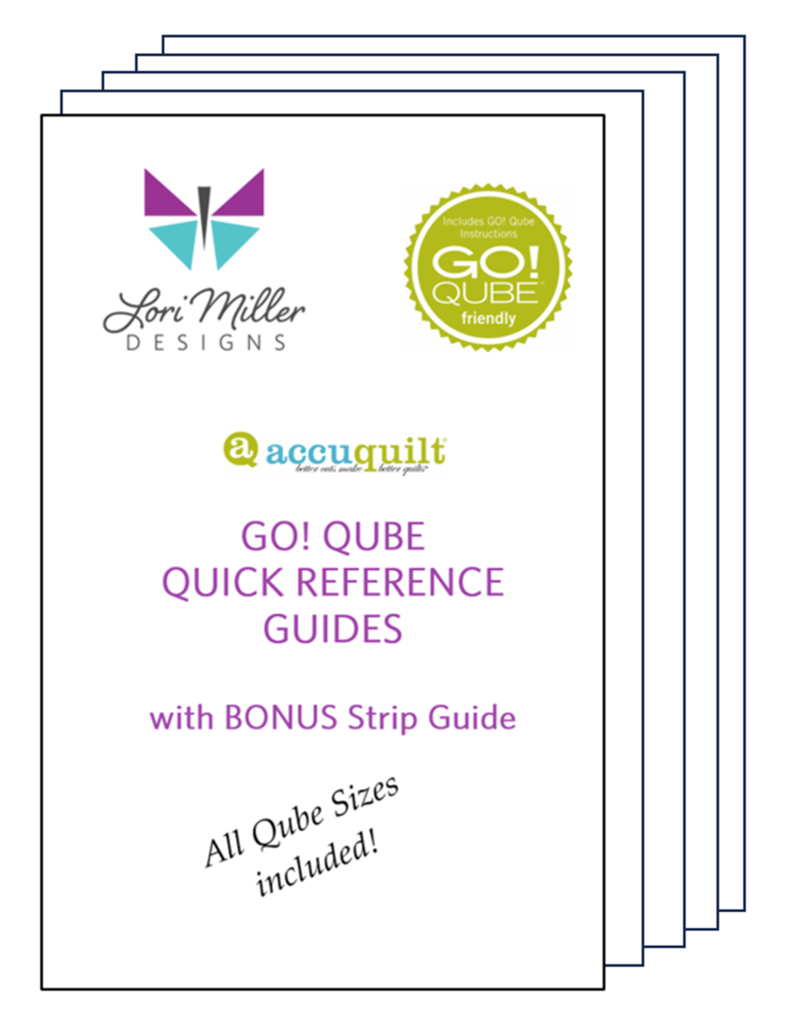
New Product! AccuQuilt Qube Quick Reference Guides

They are here! The brand new AccuQuilt Qube Quick Reference Guides by Lori Miller Designs.

If you don’t know by now, I love using my AccuQuilt GO! Cutters with my GO! Qube sets. I just think they are so versatile to create all kinds of traditional style blocks in many different sizes.

I was printing out the huge GO! Fabric Reference Chart provided by AccuQuilt which is a wealth of great information. However, I wanted something a bit easier to read since I used it so often. And since I have been buying multiple sizes of Qubes, I wanted the Qube information for several sizes.

So I created a Quick Reference Guide for every Qube!

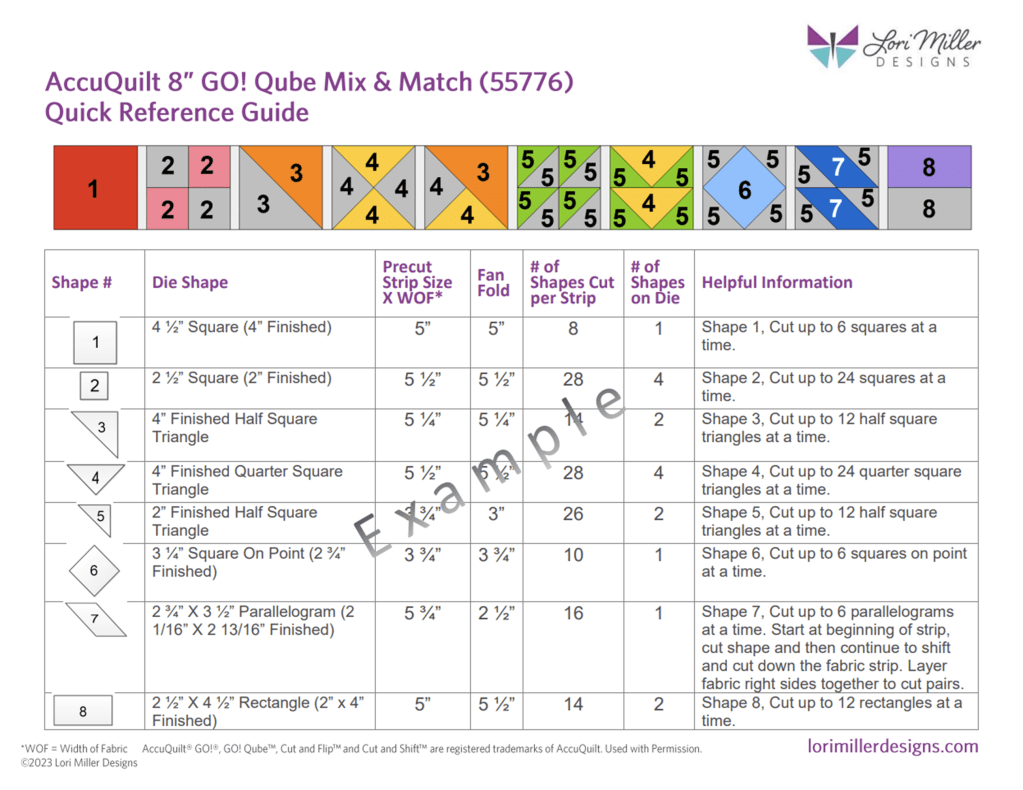
In this guide, you have all of the information at your fingertips in a larger print to figure out how to cut out the shapes you need from your AccuQuilt GO! Qubes and Strips.  There are visual guides to all of the shapes.  It contains what size strips to cut and how many shapes you can get out of a strip.  It also includes fan folding information and how many shapes are on a die board.  This convenient guide gathers all the information you need in one place!

There are 4 pages of information for each size of GO! Qube:

  • Shapes 1 – 8 included in the AccuQuilt GO! Qube Mix & Match
  • Shapes 9-12.1 included in the AccuQuilt GO! Qube Companion Corners
  • Shapes 13- 16 included the AccuQuilt GO! Qube Companion Angles
  • A page with the corresponding block and Side and Corner Setting Triangles, plus Grid information to go beyond the Four Patch original block designs.

Bonus

I have also created TWO pages of information on the various GO! Strip dies containing all of the information to help you figure out what to cut and how much fabric you will need.

This AccuQuilt GO! Qube Quick Reference Guide is so handy and I don’t even have to grab my readers to see the print. I made mine even easier by printing the Guide on Card Stock and I punched a hole in each one for a ring to hold them all together.

You can purchase the guide in my shop.

Do you use EQ8 Quilt Design Software?

Check out my EQ8 Block Libraries available for any size GO! Qube and Block on Board dies. Design beautiful quilts with EQ8 and then cut them out with your GO! Cutter.

New Product!: Add-on EQ8 Block Libraries for AccuQuilt GO! Qubes

I am very excited to introduce a new product in my shop.  Most of you know that I am an EQ8 Superfan.  I design my quilts in EQ8, I teach EQ8, and I use EQ8 to create my original patterns.  This past year I finally jumped on the AccuQuilt bandwagon and became an AccuQuilt GO! Getter.  I love how quickly I can cut out a quilt with my GO! Cutter and have a project all ready to sew.

I received an 8″ GO!Qube with my AccuQuilt GO! Cutter.  I really wanted to design with the AccuQuilt 8″ blocks in EQ8, but there was not a library file of the blocks to be found, so I decided to create them.  That’s right, I drew everyone of those little blocks in the GO! Qube brochure just so I could design with them in EQ8. I loved them soooooo much that I thought you might like the fun and convenience of designing with all of those blocks too.

The blocks in the brochure provided by AccuQuilt to use with the GO! Qube are all Four patch blocks.  These blocks are based upon a 2 X 2 grid, the most popular style of quilt block.

Accuquilt provides 216 Block designs with their popular GO! Qube die sets

  • For the base GO! Qube Mix and Match die set, there are 72 blocks.
  • For the add on Companion CORNERS set, combined with the Mix and Match die set, there are 72 blocks.
  • For the add on Conpanion ANGLES set, combined with the Mix and Match die set and the Companion Corners set, there are 72 blocks.

In this EQ8 Block Library file, you will get all 216 four patch blocks to design to your heart’s content.

These EQ8 Block Library files are downloadable digital files that are designed to work with your EQ8 Quilt Design Software.  They are only compatible with EQ8.

Required: A running copy of EQ8 Quilt Design Software.

The block library is a downloadable digital file that you will place into your personal block library.  Once you place the block file in your library, you will be able to use it immediately to draw and design quilts.  I have included all of the instructions to add the files to your EQ8.  You will receive the EQ8 Block library, a color block reference guide and an instruction document including hints and tips.  The blocks are all labeled and colored similarly to the blocks provided in the AccuQuilt Brochure so they are easy to match up.

The EQ8 block libraries are available for all Qube sizes. 

Please Note! If you have more than one size of GO! Qube, you only need one size of library.  Once you have the EQ8 Library for AccuQuilt installed into EQ8, you can easily resize to your other size Qubes as it will scale properly. 

Once you have designed your quilt, you can use your AccuQuilt GO! Cutter to make it.  I have also included tips and suggestions for determining what dies to use and how to determine fabric requirements.

I hope you enjoy these EQ8 block files as you create your beautiful Four Patch design quilts.