2025-2026 Block of the Month – Points of Interest

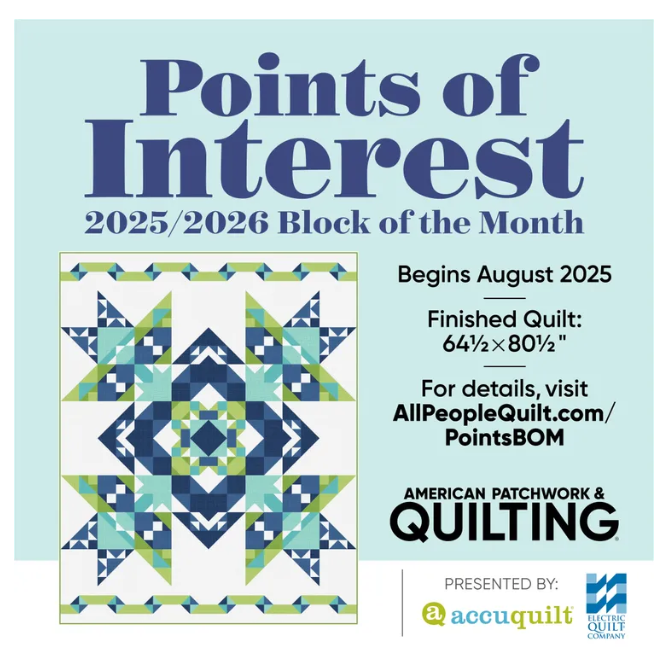
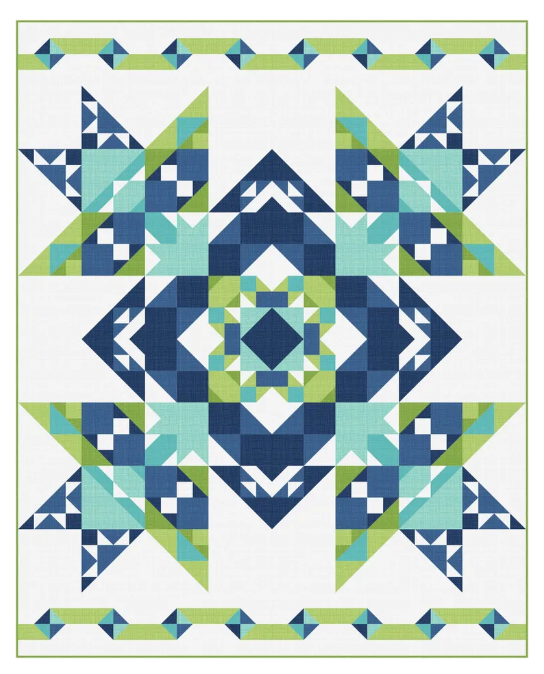
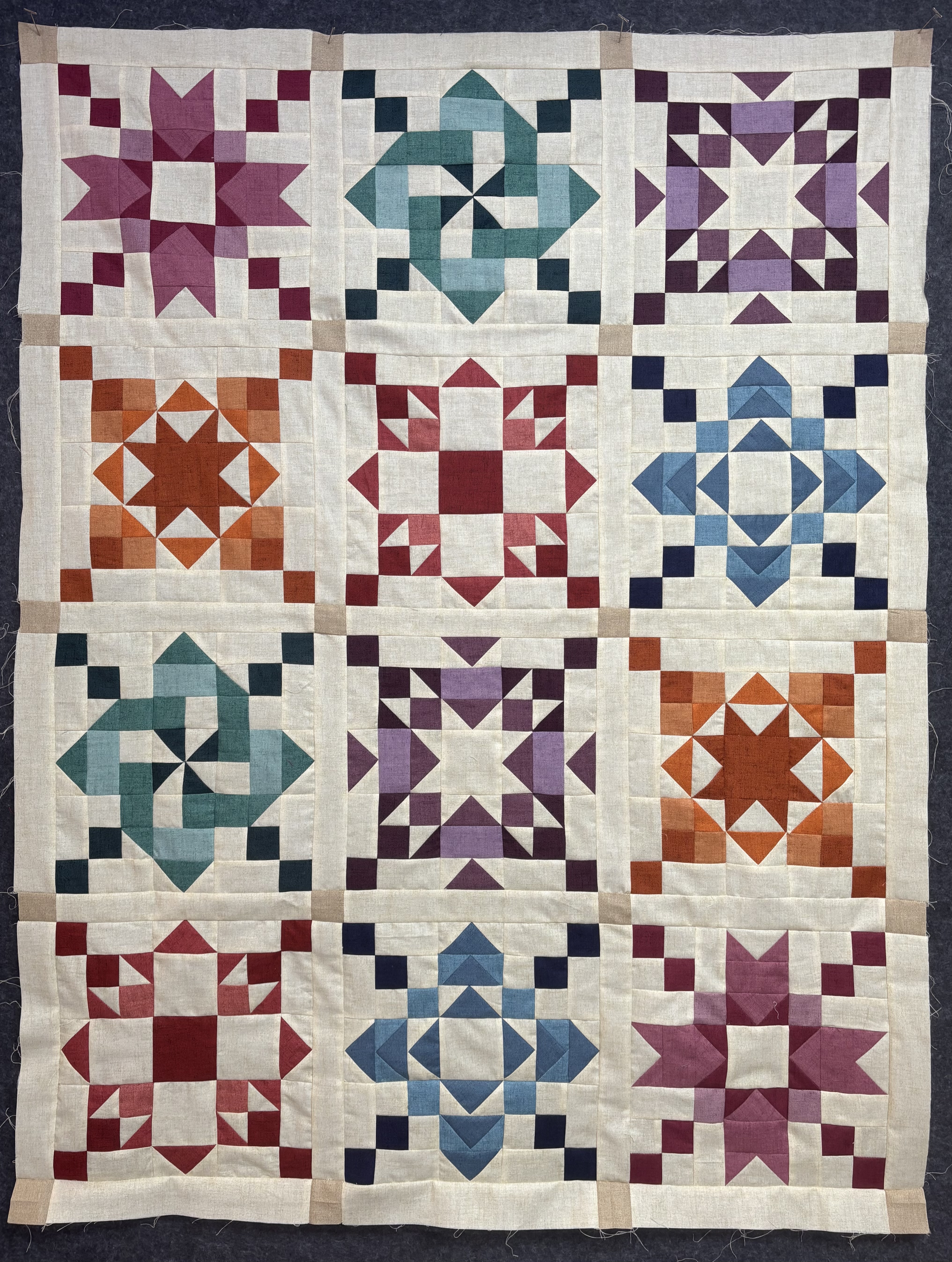
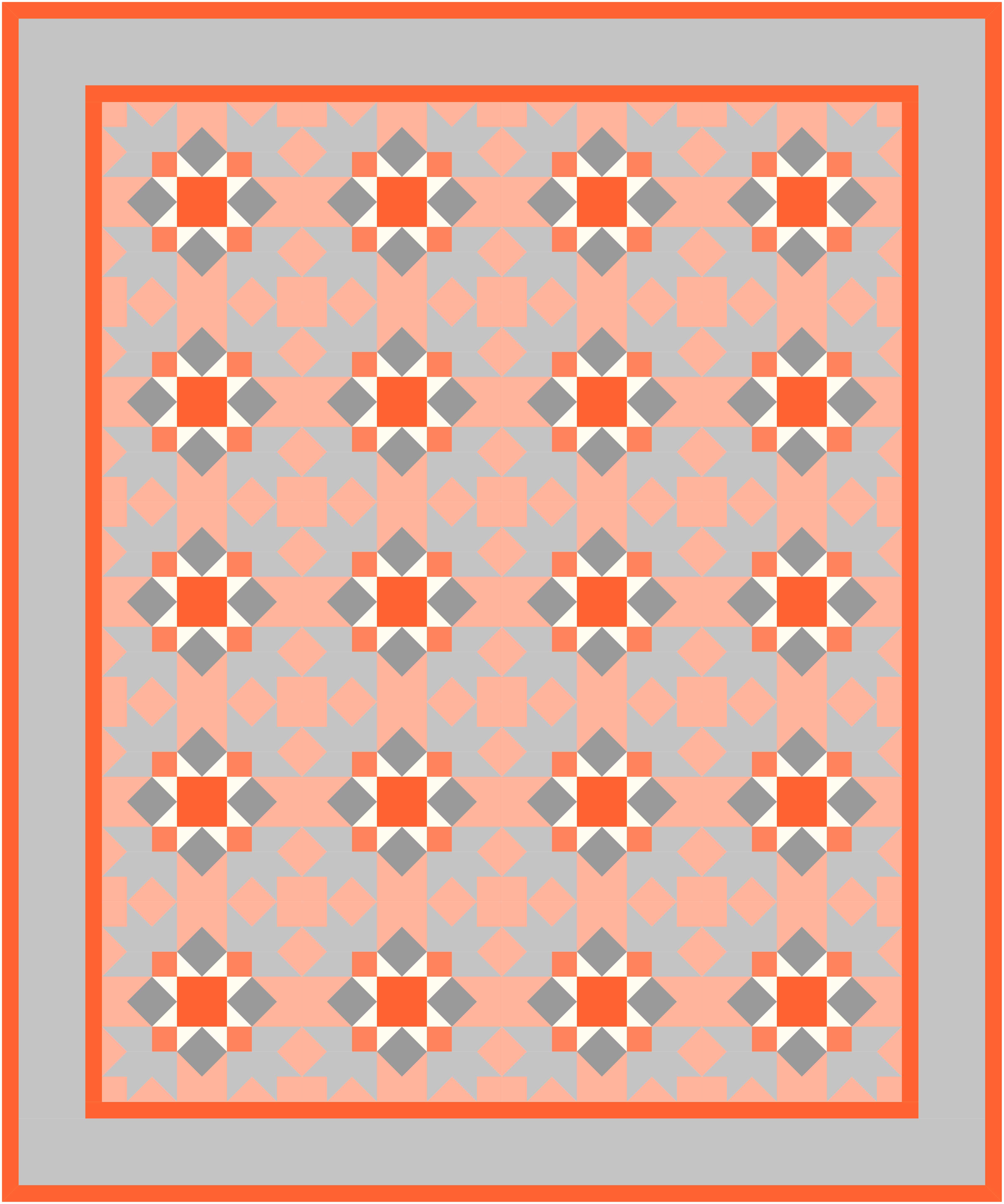
I have a new Block of the Month (BOM) that I wanted to share called Points of Interest. I designed this quilt once again for American Patchwork and Quilting magazine for 2025-2026. This beautiful quilt Is designed to look like one giant quilt block in beautiful hues of blue and green.

This BOM is in full swing and it is not too late to join in. Patterns for the blocks are available FREE on the All People Quilt Website.

And the best part, you can choose from either Rotary cutting OR AccuQuilt cutting directions, so everyone can participate.

This quilt finishes at 64 1/2″ X 80 1/2″. I used the Texture collection by Sandy Gervais for Riley Blake Designs. They are a lovely set of blenders. The All People Quilt website has all of the fabric requirements and instructions. Remember, those Instructions will be included for traditional Rotary Cutting AND for AccuQuilt Cutting.

If you are using AccuQuilt die cutting, you will need the following dies:

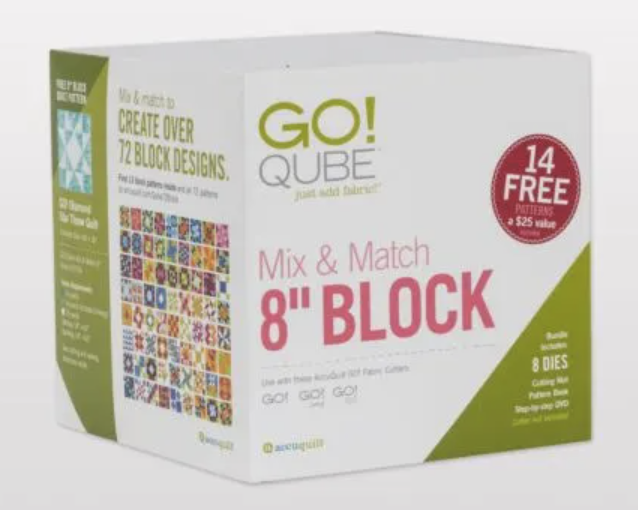
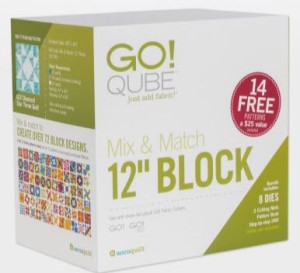
  • 55776 GO! Qube Mix & Match 8″ Block
  • 55785 GO! Qube 8″ Companion Set – Corners
  • 55789 GO! Qube 8″ Companion Set – Angles
  • 55650 GO! Qube 16″ Block Shape 1 or 55058 GO! Square 8 1/2″
  • 55650 GO! Qube 16″ Block Shape 3 or 55400 GO! Half Square Triangle 8″ Finished (discontinued)
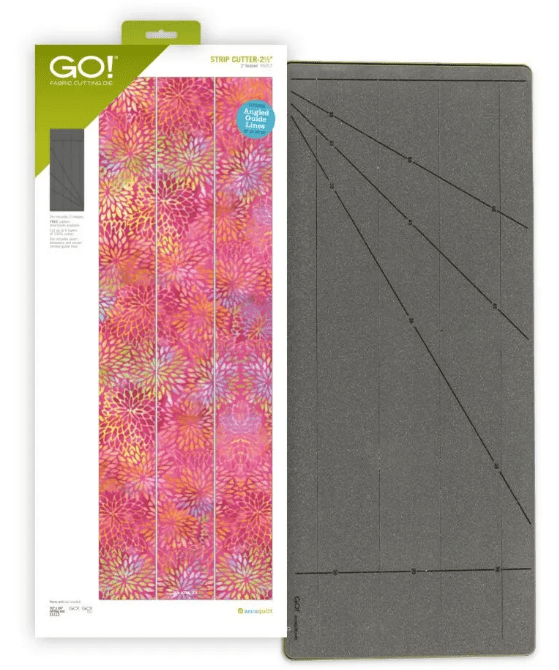
  • 55017 Strip Cutter 2 1/2″ (2″ Finished) (Optional)
points of interest

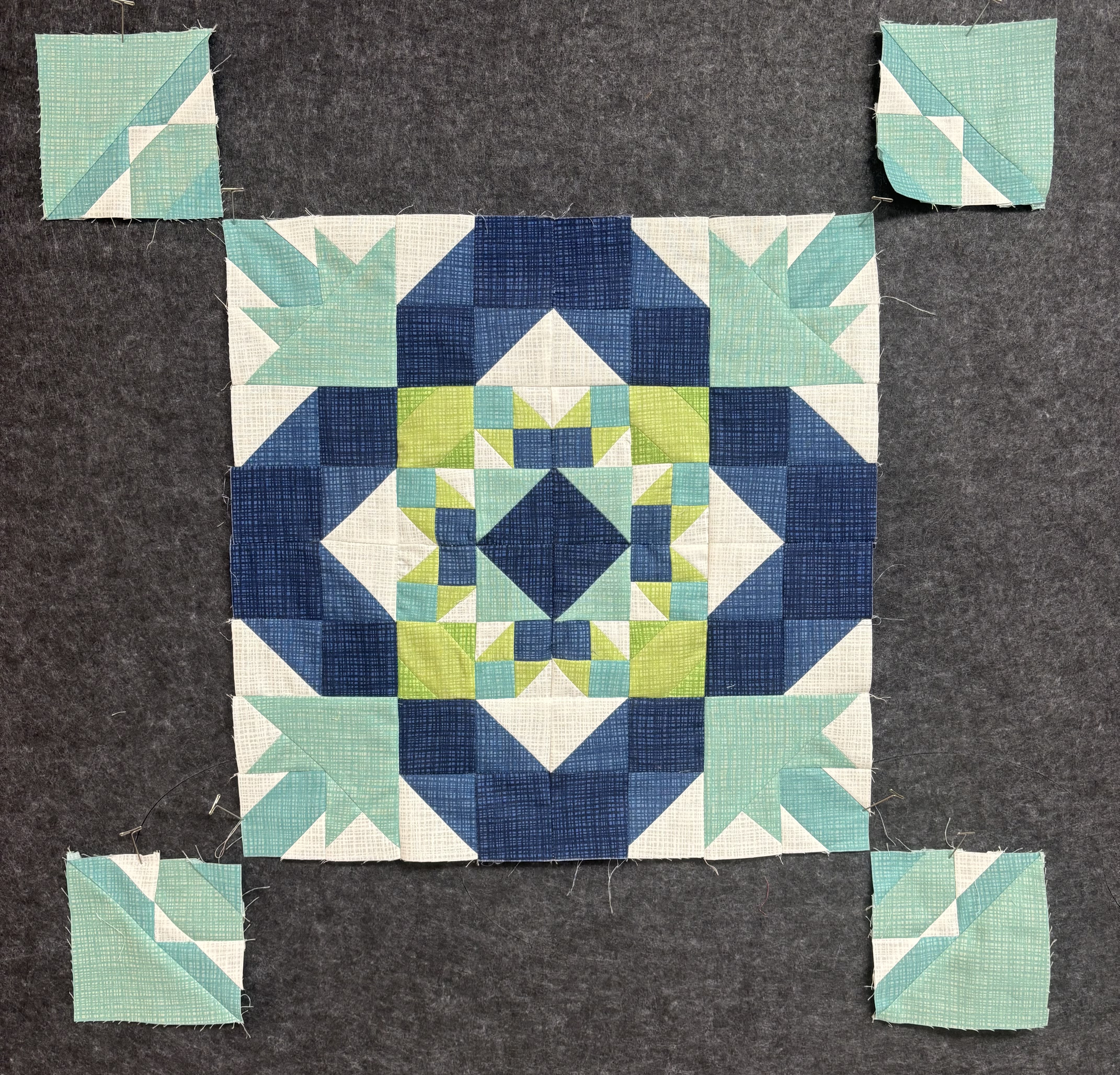
This quilt uses the 8″ Qube to make the quilt top. The blocks are 8″ square. But of course I had to try something different, so I am using the 4″ Qube to make a mini version of the quilt. You can see my progress for the first four blocks above.

This quilt might look complicated but the individual blocks are easy to piece and sew together.

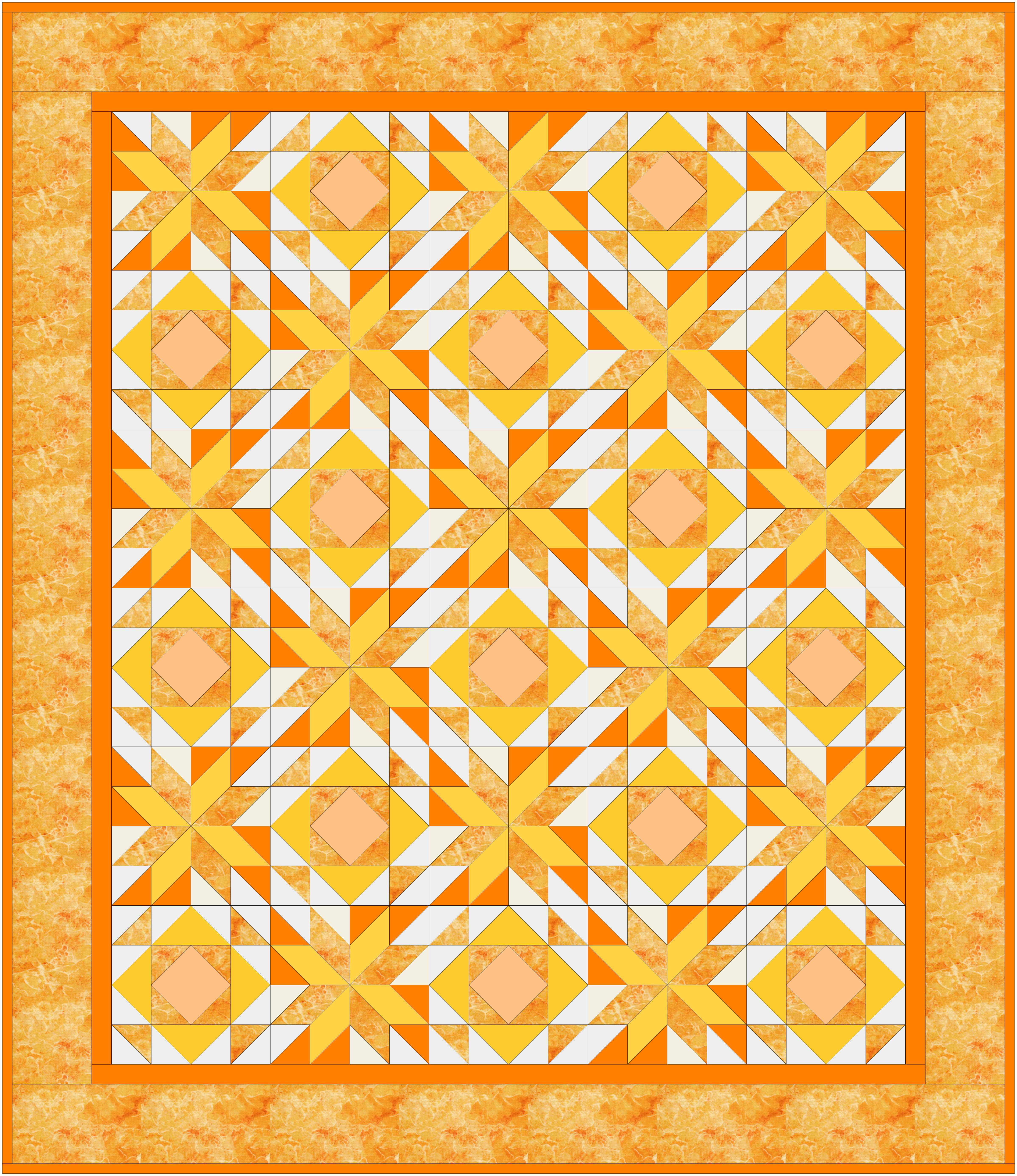
This quilt was designed with EQ8 Quilt Design Software. It is my go to tool for designing beautiful quilts. Electric Quilt is offering the project file for this quilt for free to use with EQ8 Quilt Design Software. You can color and design your own version of the quilt. You can find it HERE!

i hope you will join me on this Block of the Month and share your versions of the Quilt on the American and Patchwork Quilting Block of the Month site on facebook. All the information is available at All People Quilt.

Happy Quilting!

EQ8 Classes for 2026

I am happy to share my lineup of EQ8 classes for 2026. EQ8 is Quilt design software that allows you to design beautiful quilts and quilt blocks.

I use EQ8 myself to design all of my quilts. It is the leading quilt design software in the world. As a full-featured software, it lets you see your quilt on the screen before you even cut a piece of fabric. You can swap and rotate blocks, add borders, and play with different colorways and fabrics.

EQ8 is perfect for beginner or professional quilters with computer skills of all levels and is available for PC and Mac.

If you have your software, but have not cracked it open or just need an in person class to pick up those skills, these classes are for you!  I specialize in my beginner class that will help you navigate the software and build confidence to design on your own. I hope you can join me.

I have a full array of classes at the following shows and dates.  Full descriptions of the classes follow below.

EQ Academy 2026
Perrysburg, OH
March 26 – 28

  • March 28 AM Adding Fabrics and Photos to EQ8
  • March 28 PM Fabulous Framing Borders and Sashing

Above are the classes that I am teaching at EQ Academy, but there is a whole 3 days of EQ8 classes to choose from, including beginner classes and more to check out!

AQS Paducah 2026
Schroeder Expo Center, Paducah, KY
April 22 – 25

  • April 22 EQ8 Start at the Beginning
  • April 23 EQ8 I want to Learn More
  • April 24 EQ8 Fun with Fabrics (Adding Fabrics and Photos to EQ8)
  • April 24 EQ8 Fabulous Framing (Borders and Sashing)
  • April 25 EQ8 KickStart Mini Beginner

AQS Columbus 2026
Schroeder Expo Center, Paducah, KY
September 23-26

  • September 23 EQ8 Start at the Beginning
  • September 24 EQ8 I want to Learn More
  • September 25 To be Determined
  • September 25 To be Determined
  • September 26 EQ8 KickStart Mini Beginner

Class Descriptions

EQ8 Start at the Beginning

Build your EQ confidence! Tour the workspace and begin designing a variety of beautiful quilt styles. Search the EQ8 libraries for the perfect block or fabric to turn your quilt designs into reality. You can even add fabrics from your own stash. Learn how to print yardage estimates, rotary cutting charts, and more. Nicely paced and encouraging workshop for those who want to understand and practice the basics. Windows and Mac users welcome

EQ8 I want to Learn More

Take the next step learning EQ8. Learn to draw or edit your own blocks to place in your quilt creations. Explore appliqué and stencils to better understand the three layers of the quilt in EQ8. Take a deep dive into borders and Auto Borders. Create personal libraries, use text and photos, and explore free-form quilt settings. By the end of the workshop, you will have the confidence to design your own beautiful blocks and quilts. Windows and Mac users welcome.

Design with EQ8 and AccuQuilt GO!

In this class, we will combine the power of EQ8 quilt design with the ease of fabric die cutting. The AccuQuilt GO! Qube system is made up of building blocks in a four-patch design grid that make up some of the most common blocks already available in Electric Quilt. Use those blocks to design beautiful quilts, try colors and fabrics and then when you are ready, use your AccuQuilt GO! Cutter to cut your fabric.  The new AccuQuilt add-ons are not required for this class. The concepts covered in class will make working with EQ8 and AccuQuilt easier, with or without the add-on products.

Please note: This class will focus on the EQ8 design process for compatible blocks and quilts. No die cutters will be used.

EQ8 Fun with Fabrics

This half-day class will show you how simple it is to add your own fabrics and panels to EQ8. Learn how to import fabrics, straighten, scale, crop, and add the fabrics to your Favorites library! Discover the differences between fabrics and panels and how to edit them for your design.

Using photos in your quilt is very similar to how you would use fabrics. Learn the difference between photos and fabrics, import photos for use in a photo quilt, and discover new ways to use photos that you may not have even imagined.

EQ8 Fabulous Framing (Borders and Sashing

Are your borders simply boring? Do you just slap on strips of fabric to add length and width to your quilt? Is your sashing simple? Take your borders from blah to beautiful and your sashing from sad to stunning with the built-in tools in EQ8. This fun workshop explores a variety of borders and border styles from pieced, Flying Geese, appliqué, checkerboard, and more. Use borders to jazz up a panel or medallion quilt. Discover creative sashing with pieced blocks and clever design ideas. Your quilts are limited only by your imagination. NOTE: This workshop moves at a faster pace than beginner EQ8 workshops. PC and Mac Users welcome.

EQ8 KickStart Mini Beginner

Are you brand new to EQ8? This is the perfect workshop to get to know your exciting new quilt design software. This workshop will go over the basics for beginner EQ8 users needing an overview of the EQ experience. Take an in-depth tour through the software to get a better understanding of the three worktables, the Project Sketchbook, and how to navigate the entire workspace. We will start designing quilts right away using EQ8 as your virtual design wall. Study the many pattern-printing options available and learn how to find yardage estimates. The best way to learn is by doing! This workshop is nicely paced for beginners. Windows and Mac users welcome. Please note, this workshop is designed for brand new EQ8 users and is focused on EQ8 basics. If you have taken the full day beginner workshop, this workshop covers similar topics.

I am looking forward to seeing you in class!

GEMtones Block of the Month

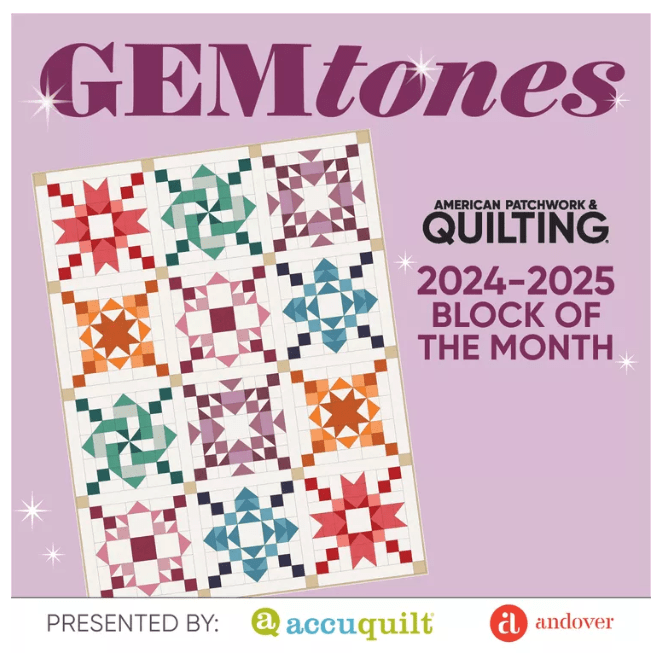
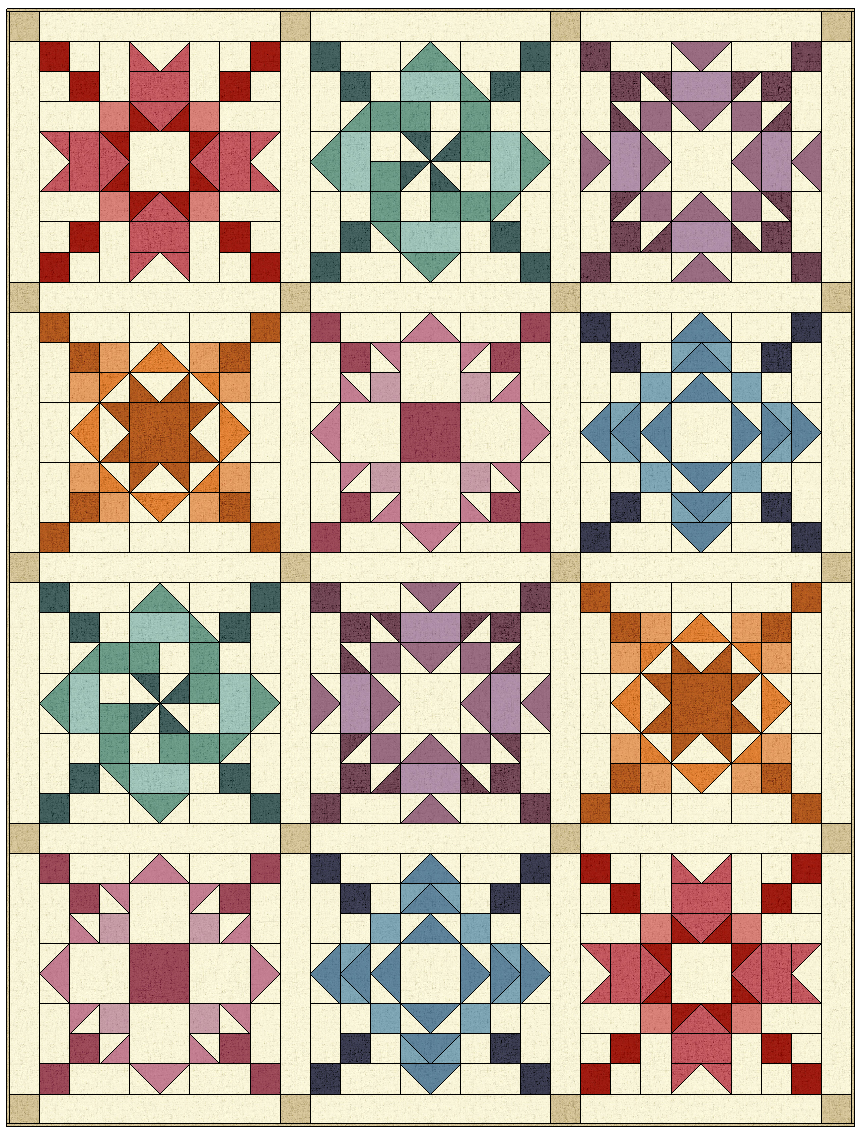
I wanted to share one of the Blocks of the Month (BOM) that I designed for American Patchwork and Quilting magazine for 2024-2025. This sampler quilt had gorgeous monochromatic blocks in sparkling hues resembling gemstones.

This BOM has wrapped up but all of the patterns are still available for FREE on the AllPeopleQuilt.com website.

And the best part is there are BOTH Rotary cutting and AccuQuilt cutting directions, so you can choose your own method of cutting. Everyone can still join in!

This quilt finishes at 70 1/2″ X 93″. The lovely soft colors are the Cottage Cloth and Cottage Cloth II collections by Renee Nanneman from Andover Fabrics. The All People Quilt website has all of the fabric requirements and instructions. Remember, those Instructions will be included for traditional Rotary Cutting AND for AccuQuilt Cutting.

If you are using AccuQuilt die cutting, you will need the following dies:

  • 55797: GO! Qube Mix & Match 10″ Block
  • 55017: Strip Cutter 2 1/2″ (2″ Finished)
  • 55084: Strip Cutter 3″ (2 1/2″ Finished)

Note: You can also use an 8″ or 9″ Qube set as well! The blocks will be a bit smaller, but all the shapes are the same.

I used the 10″ Qube to make the quilt top. The blocks are 20″ square.

Then I used my 5″ Qube to make a mini quilt with half the fabric and half the size. So adorable! They both turned out wonderful.

This quilt was designed with EQ8 Quilt Design Software. It is my go to tool for designing beautiful quilts.

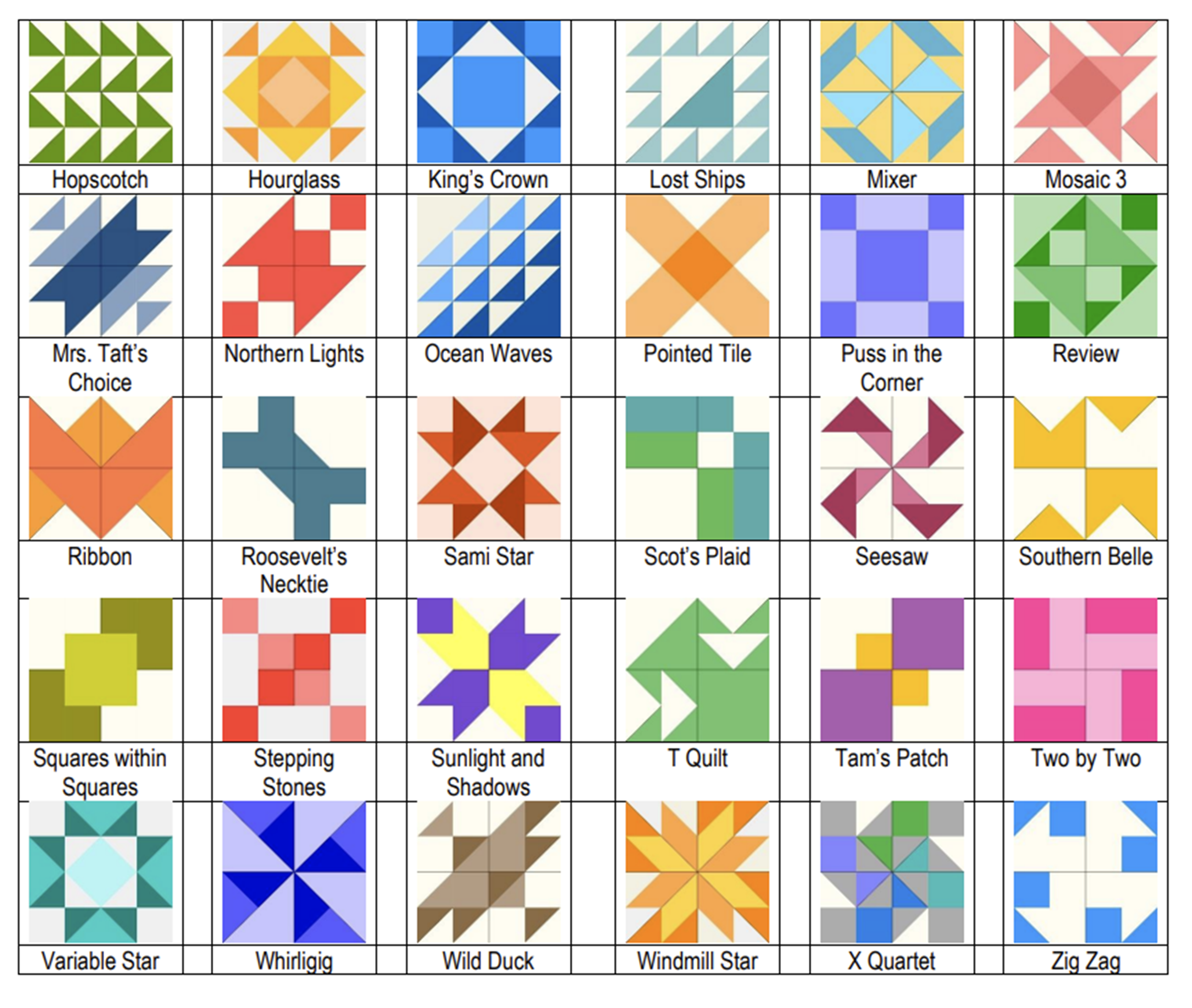
I used blocks from my EQ8 Add-on Block Libraries for AccuQuilt. Each library for the AccuQuilt GO! Qube contain quilt blocks that are compatible with AccuQuilt GO! Cutters. The blocks I used in this quilt are adapted from my Sweet Sixteen EQ8 Block Library for AccuQuilt.

You can find these EQ8 Add-on Block Libraries available for purchase at Electric Quilt or AccuQuilt.

You can find Quilt Patterns and more in my Etsy Shop.

Happy Quilting!

EQ8 Collector’s Edition BOB Block libraries

This is for all of you EQ8 Quilt Design fans who also use AccuQuilt® die cutters!  There are now two Collector’s Edition EQ8 Block Libraries for the AccuQuilt Block on Board (BOB) dies.  These libraries contain BOB Blocks that you can easily design within EQ8 and then cut out with your AccuQuilt GO! Qube dies and cutters.

When you combine Electric Quilt® software with your AccuQuilt® GO! fabric cutter and GO! BOB dies, you have the perfect mixture of creativity and precision!

Each of these Collector’s Edition BOB block libraries contain over 40 AccuQuilt GO! Block on Board quilt blocks that match GO! BOB dies released between 2012 and 2024.

Introducing BOB Collector’s Edition 1

Introducing BOB Collector’s Edition 2

Key Features and Benefits

AccuQuilt compatibility

The libraries are designed to integrate seamlessly with AccuQuilt’s Bob dies, enabling users to translate their digital EQ8 designs into physical quilts with ease. 

Pre-drawn Blocks

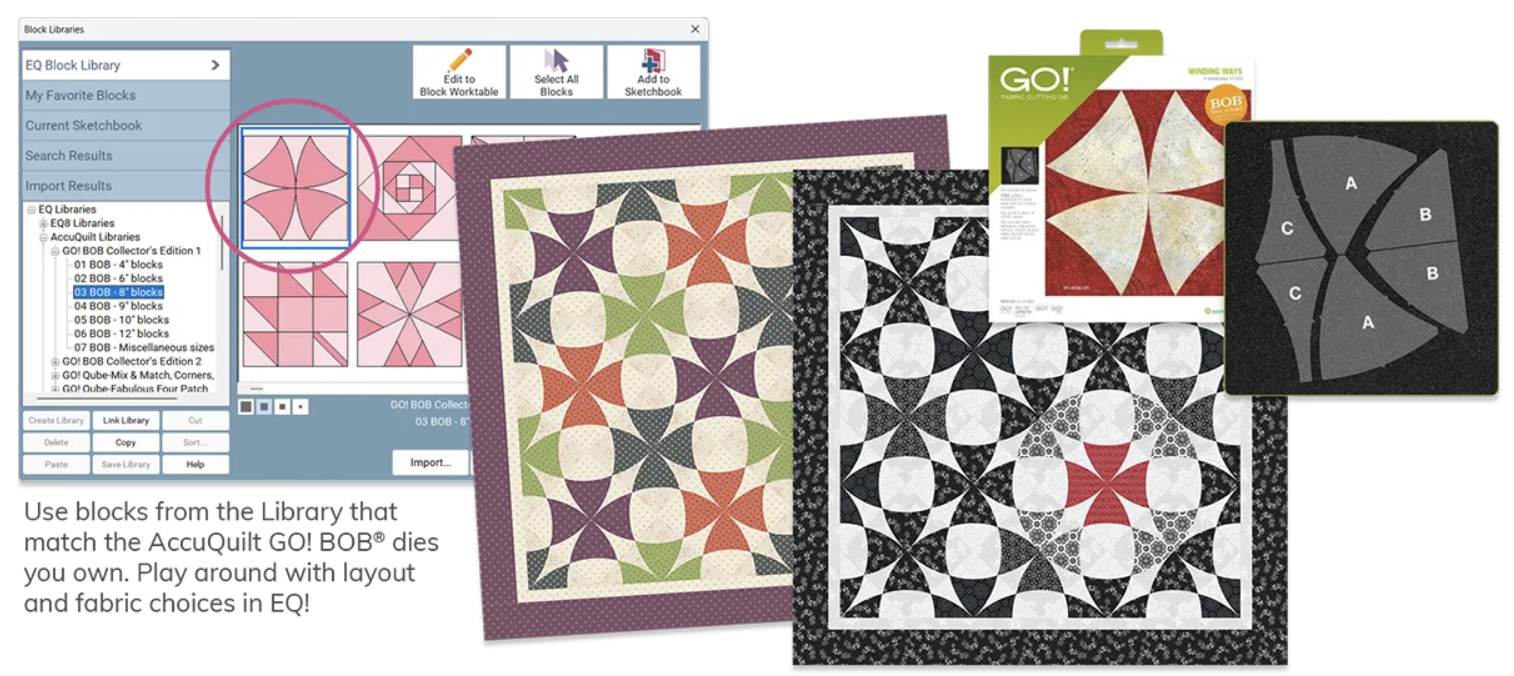
These blocks are already drawn for you in sizes that match AccuQuilt’s most popular BOB dies. You can set the blocks right into EQ quilt layouts, mix and match blocks, and play with colors or fabric until you have designed your perfect quilt.

Easy Installation

The Block Collections install right into your EQ8 block Library so they are ready to use right away.  Helpful PDF Resources install directly to your My EQ8 > Documentation folder on your computer for easy access.

Color Coded Organization

AccuQuilt GO! BOB blocks are organized in the EQ Block Library, color-coded by finished size so you can easily design quilts with dies you own.

What better way to show off what you can do with the BOB Add-on Block Libraries than to show you quilts I have made using the BOB blocks designed in EQ8.

Pineapple BOB Die – Collector’s Edition 1

I loved being able to choose my own colors and fabrics until I get just the look I want.

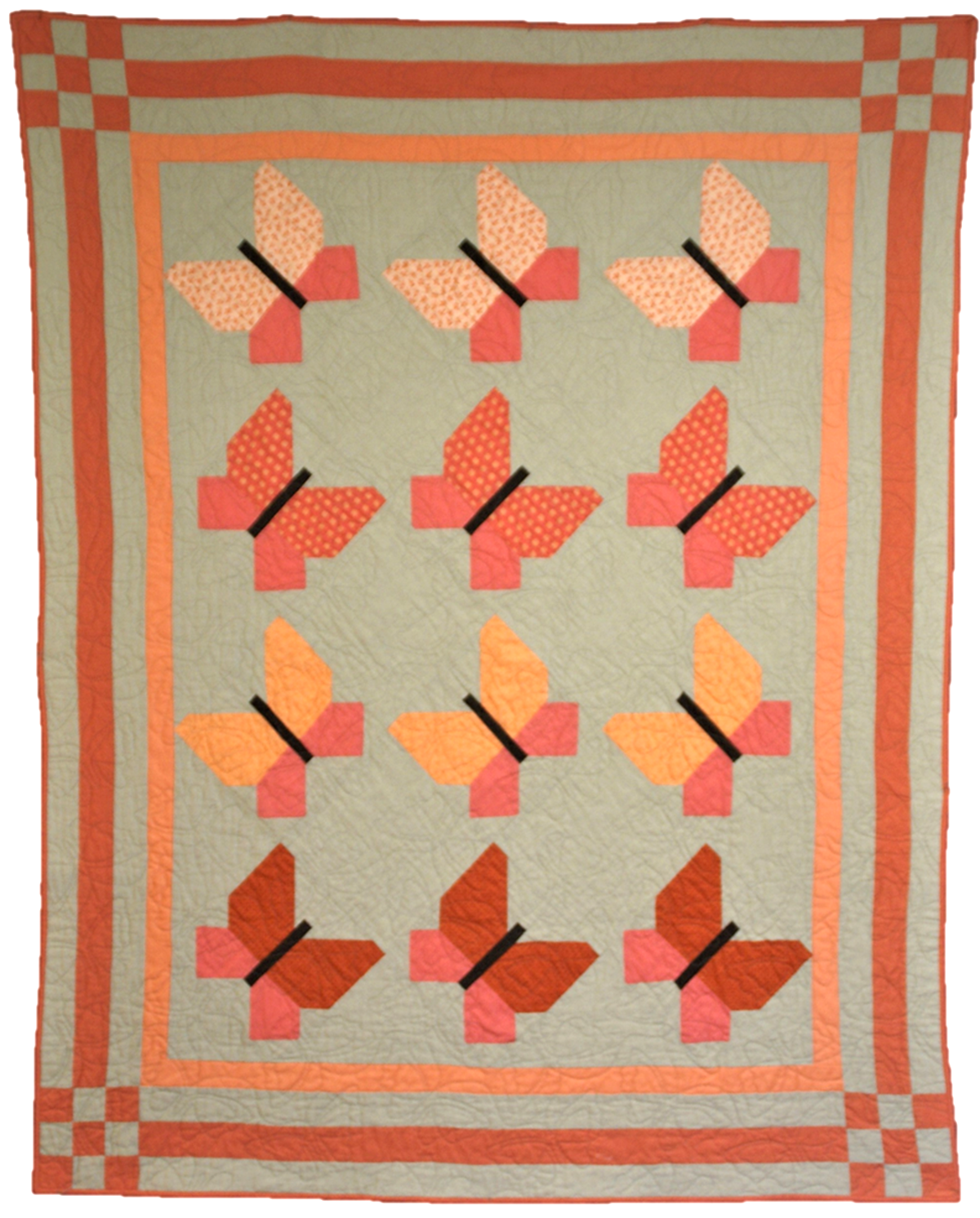
Butterfly Pieced Butterfly Block – Collector’s Edition 2

I even mixed some of the BOB blocks with Qube blocks and even blocks I designed myself in EQ8

Storm at Sea, Collector’s Edition 1

This quilt design software is so versatile, I can truly make my designs my own.

You can find the EQ8 BOB Collector’s Edition 1 and 2 available for purchase at ElectricQuilt.com and AccuQuilt.com!

If you like the new EQ8 BOB Collector’s Edition Add-ons, check out these other great EQ8 add-on libraries for the AccuQuilt GO! Qube! View all EQ8 AccuQuilt Add-ons >

Designed by Lori Miller Designs.

Exciting News Coming Soon!

Quilting Friends,

I have a very exciting announcement coming soon!  

I’ve been hard at work on a project with two of my favorite companies!

I can’t give you full details yet but wanted to give you a heads up that my AccuQuilt Qube + EQ block library products will be coming off of my Etsy shop on September 30th, 2024 as part of this project.

Don’t be worried… this is great news! You’ll see why very soon. 

Stay tuned!

Lori

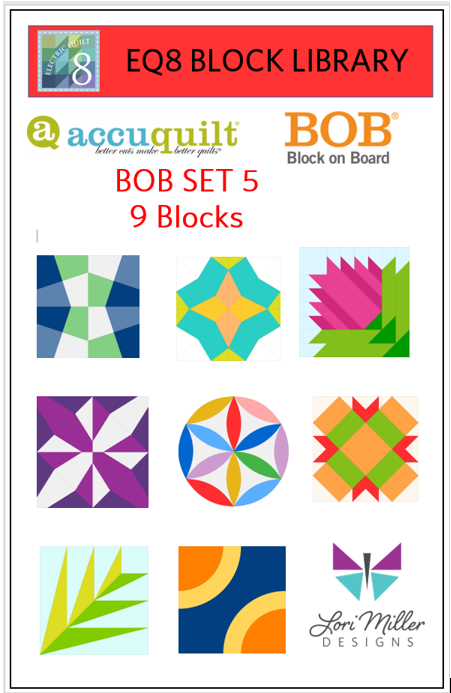
New Product! Add-on EQ8 Block Library: AccuQuilt BOB SET 5

New BOB Blocks are here! This new Add-on EQ8 Block Library for AccuQuilt contains the 9 BOB blocks and variations that were released in 2023. BOB die blocks enable you to create an entire block with one die board.  Every piece needed for the block is on the design board. You can design your quilt with EQ8 and then use your AccuQuilt GO! cutter to cut it out.

This file contains SET 5 of the BOB block designs which includes 9 blocks.  The blocks vary in size as indicated to match the actual size of the BOB die block. I have included the size of the block by the name reference.

The ONLY designs included in this set are:

  • GO! Canning Jar 8” (55614)
  • GO! Fractured Tumbler 6” (55627)
  • GO! Friendship Chain 10” (55441)
  • GO! Full Blown Tulip 8” (55616)
  • GO! Joseph’s Coat 11” (55622)
  • GO! Lotus Block 10” (55609)
  • GO! Palm 8” (55193)
  • GO! Signature Circles 6” (55624)
  • GO! Turkey in the Straw 10” (55628)

Required: A running copy of EQ8 Quilt Design Software from The Electric Quilt Company.

Required: You will need the Accuquilt BOB die set in the size that matches the EQ8 library file in order to cut out these block designs with the Accuquilt GO! Cutter.  Make sure your cutter is the right size for the BOB die.

This is a downloadable digital file that you will place into your personal block library.  Once you place the block file in your library, you will be able to use it immediately to draw and design quilts.  I have included all of the instructions to add the files to your EQ8 Design Software.  You will receive the EQ8 Block library, a block reference guide and an instruction document.  The blocks are all labeled to match the reference guide.

Now you can use the power of EQ8 to recolor and combine blocks to design beautiful quilts.

Once you have designed your quilt, you can use your Accuquilt GO! Cutter to make it.  I have also included tips and suggestions for determining what dies to use and how to determine fabric requirements.

I hope you enjoy these files as you create your BOB design quilts.

Happy designing with your AccuQuilt Block on Board Set 5 library blocks in EQ8!

If you liked the new Add-on EQ8 Block Library files for AccuQuilt BOB Set 5, check out my other available Add-on Block libraries for EQ8 that work with AccuQuilt in my shop.

I appreciate your feedback and suggestions on this product. Please tag me on Facebook or Instagram @lorimillerdesigns with your designs, I would love to see them.

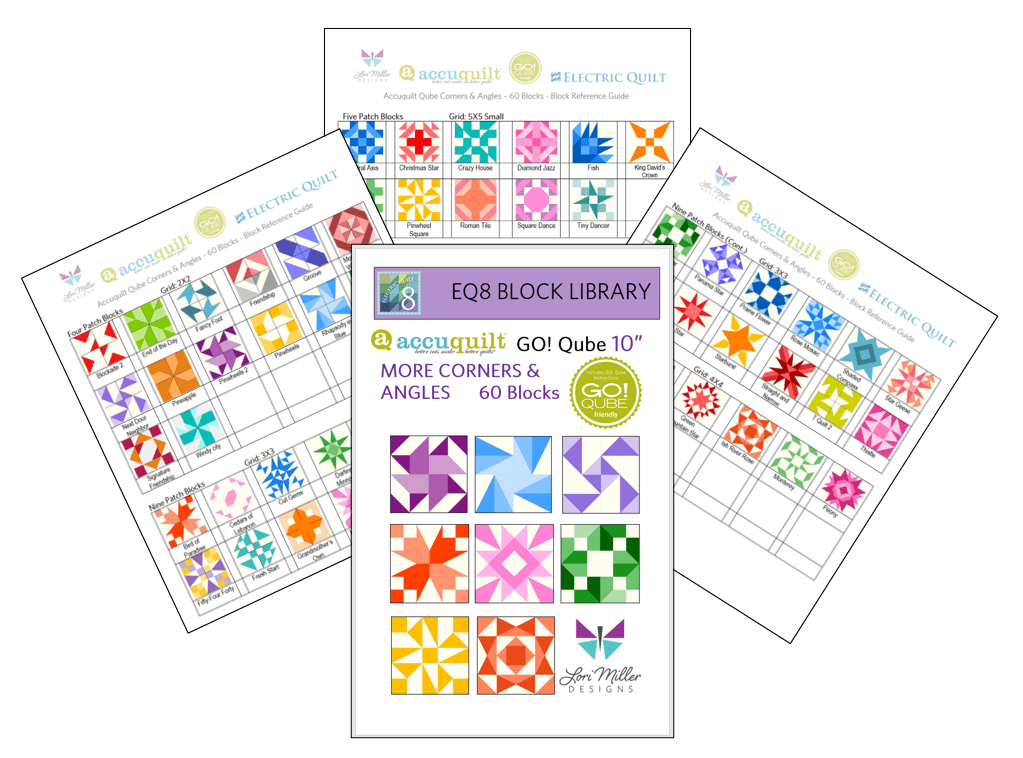
New Product! Add-On EQ8 Block Library – AccuQuilt Qube MORE Corners and Angles

It is here! Another stunning EQ8 Block Library Add-on for AccuQuilt Qubes! Now there are even MORE Corners and Angles Blocks you can make with your GO Qubes and Companions! These libraries are so convenient to use when designing quilts and table runners, just drop the block in where you want it. This new set of digital EQ8 Block Library files for the AccuQuilt Qubes includes 60 stunning block designs in four different grid sizes that you can load into EQ8 Quilt design software.

These library files are made to use with EQ8. EQ8 is Quilt Design Software by The Electric Quilt Company.  I design my quilts in EQ8, I teach EQ8 and I use EQ8 in my original patterns. I love that I can create my own designs and mix and match blocks easily in my designs until I have the perfect design. Then I can cut it out with my AccuQuilt GO Cutter.

These block designs work with the Accuquilt GO! Qube Mix & Match, Companion Corners and Companion Angles Block Die sets.  You can use the Die Shapes in the GO! Qubes to cut out all of these blocks.

These EQ8 Block Library files are downloadable digital files that are designed to work with your EQ8 Quilt Design Software.  They are only compatible with EQ8.  Once you place the block file in your library, you will be able to use it immediately to draw and design quilts.

Required: A running copy of EQ8 Quilt Design Software.

60 Beautiful Sixteen Patch Blocks!

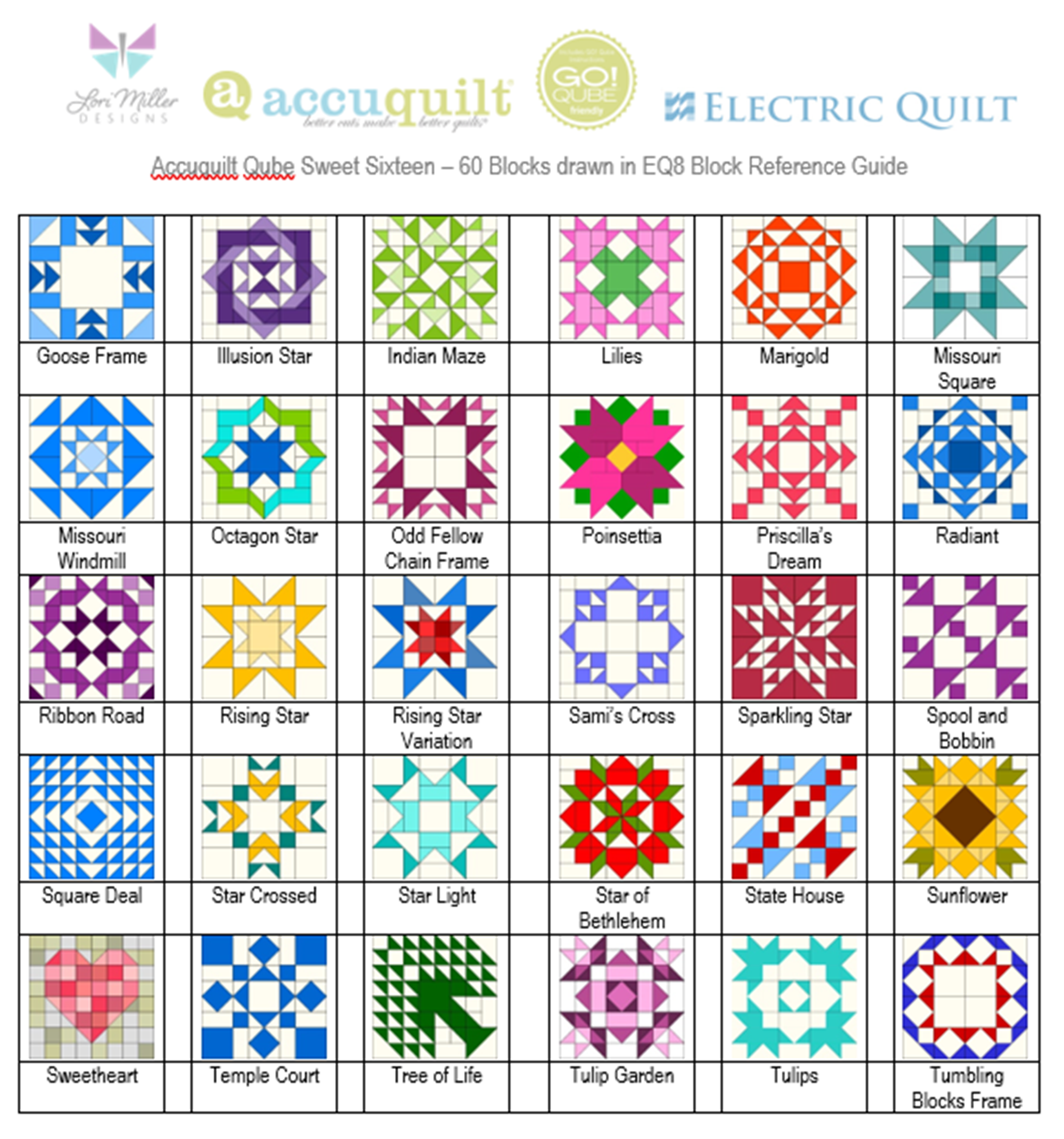
I have included 60 MORE Corners and Angles Block designs with brand new, traditional and dynamic blocks. There are so many design possibilities in EQ8.

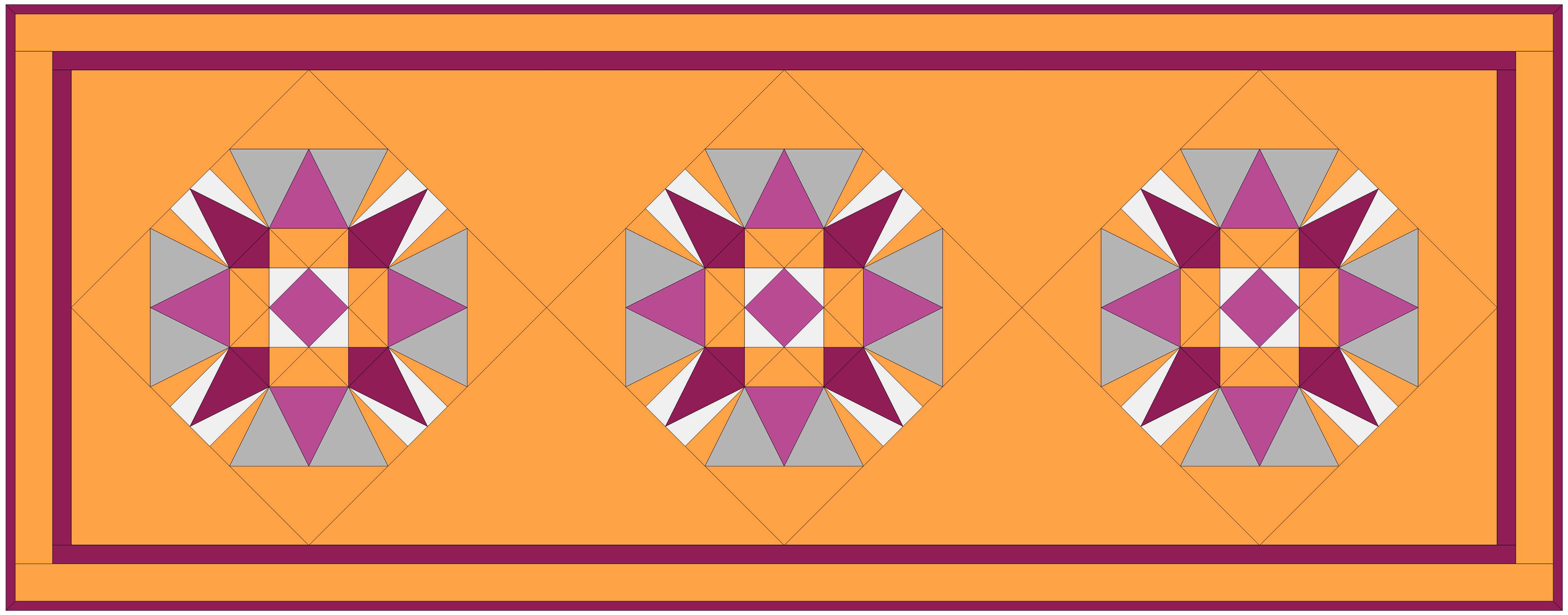
This Quilt features both the Homeward Star and Square Dance quilt blocks.

These blocks include four different grids, 2×2 Four patch Blocks, 3×3 Nine Patch Blocks, 4×4 Sixteen Patch Blocks and 5 x5 large and Small Blocks.

This Quilt uses the Rose Mosaic Block.

Complete Instructions including Die Cutting Guide!

Each set of library blocks comes with a complete set of Instructions, a Block Reference Guide and a Die Cutting Guide.

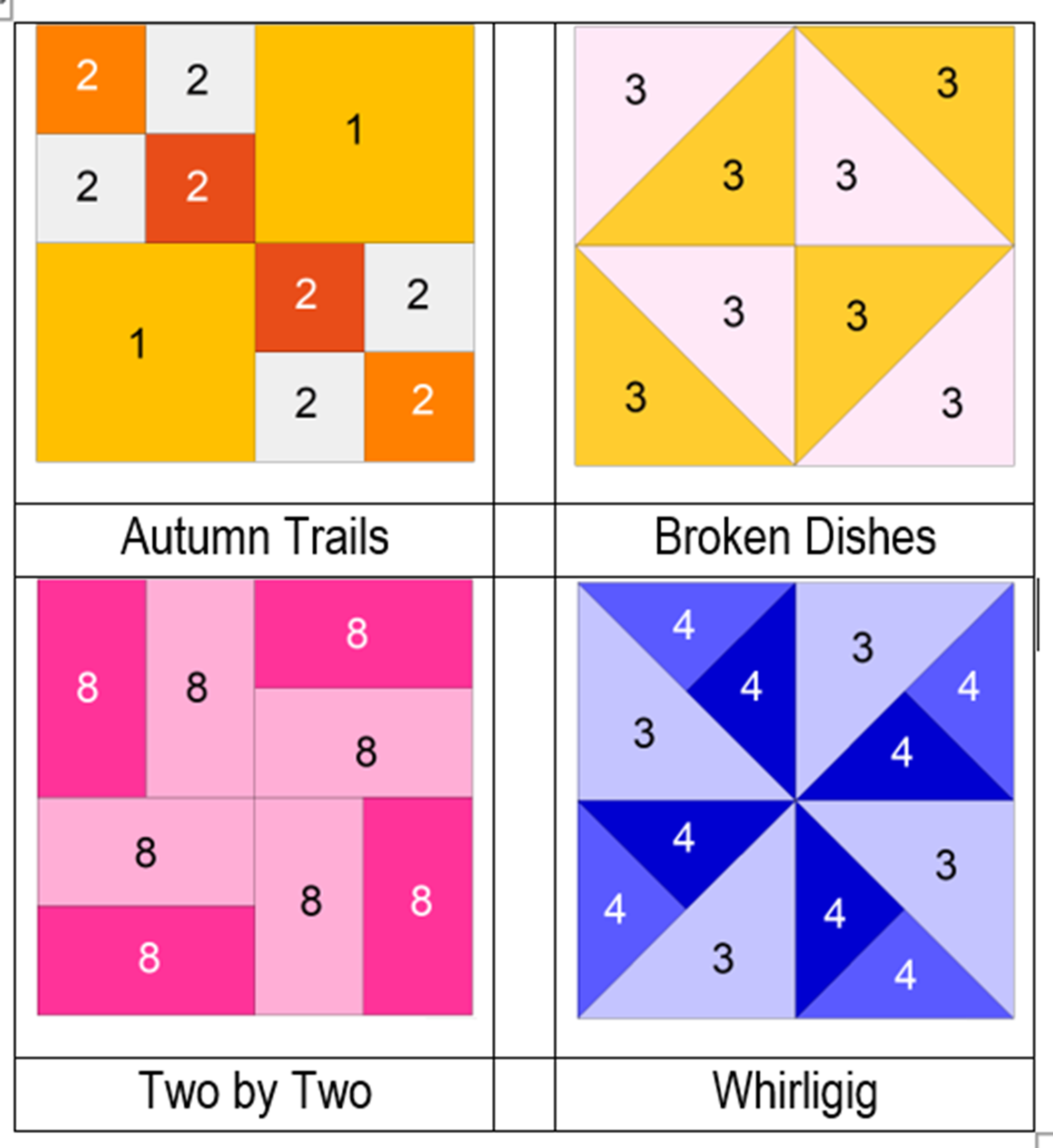
The Die Cutting Guide provides pictures of the MORE Corners and Angles blocks and which shapes are needed from the Mix & Match Qube, Companion Corners and Companion Angles to cut out that block similar to the picture above.

Please note:  If you have more than one size of Qube, you only need one size of library.  Once you have the EQ8 Library for Accuquilt installed into EQ8, you can easily resize to your other size Qubes as it will scale properly. 

Thank You!  And Happy Quilting!

More Products Available!

If you like designing and making your own quilts with EQ8 and AccuQuilt, check out some of my other products.

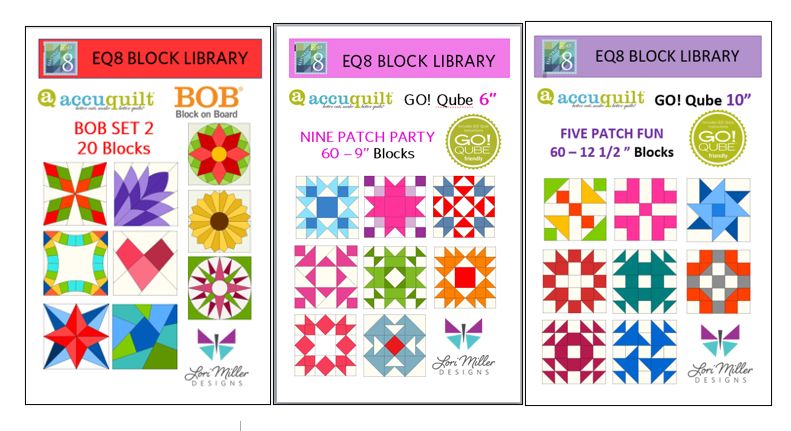
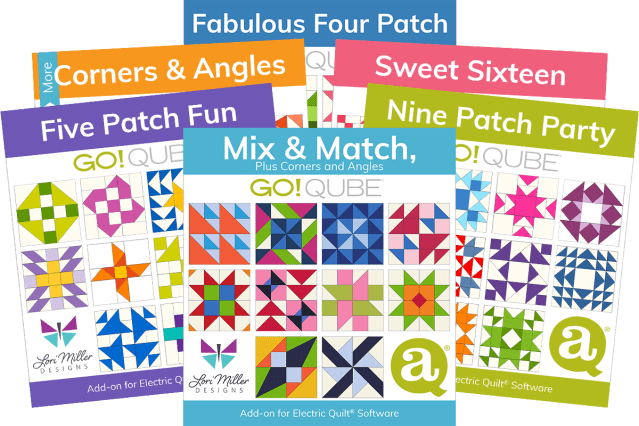
Find GO! Friendly patterns and more Add-on EQ8 Block Libraries including the original 216 Four Patch Mix & Match designs, Nine Patch Party, Five Patch Fun, Sweet Sixteen, English Paper Piecing and four sets of BOB libraries.

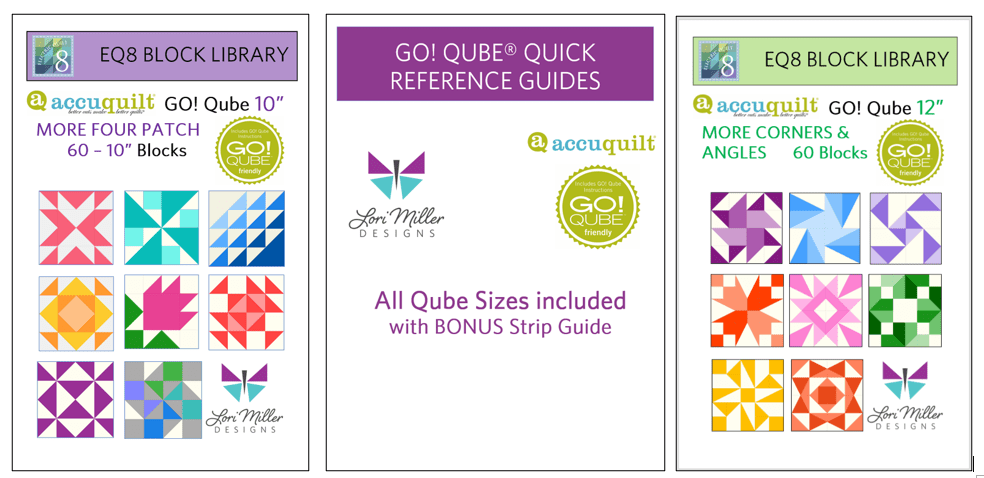
New Product! Add-On EQ8 Block Library – AccuQuilt Qube MORE Four Patch

EQ8 and AccuQuilt are the perfect match! Introducing my newest Add-on EQ8 Block Library file, MORE Four Patch! I am so happy to offer this new set of digital EQ8 Block Library files for the AccuQuilt Qubes.  These files include 60 gorgeous Four Patch variation block designs that you can load into EQ8 Quilt design software.

EQ8 is Quilt Design Software by The Electric Quilt Company.  I design my quilts in EQ8, I teach EQ8 and I use EQ8 in my original patterns. I love that I can audition different fabrics and get the perfect quilt design before I cut it out with my AccuQuilt GO Cutter.

These block designs work with the Accuquilt GO! Qube Mix & Match Block Die sets.  You can use the Die Shapes in the GO! Qubes to cut out all of these blocks.

These EQ8 Block Library files are downloadable digital files that are designed to work with your EQ8 Quilt Design Software.  They are only compatible with EQ8.  Once you place the block file in your library, you will be able to use it immediately to draw and design quilts.

Required: A running copy of EQ8 Quilt Design Software.

60 Beautiful Sixteen Patch Blocks!

I have included 60 MORE Four Patch Block designs with brand new, traditional and even familiar blocks. There are so many design possibilities in EQ8.

These blocks are Four Patch Blocks that can be cut out with your GO! Qube Mix & Match Block Set, no companion dies are needed.

Since the Four Patch design is based upon a 2 x 2 grid, your finished block sizes will finish at the same size as your GO! Qube.

The MORE Four Patch block files come in all of the Qube sizes: 4″, 5″, 6″, 8″, 9″, 10″ and 12″ .  They are color coordinated by size in the shop so you can find the size you need. You only need one size of EQ8 Qube files as EQ8 will let you resize the blocks.

Complete Instructions including Die Cutting Guide!

Each set of library blocks comes with a complete set of Instructions, a Block Reference Guide and a Die Cutting Guide.

The Die Cutting Guide provides pictures of the MORE Four patch blocks and which shapes are needed from the Qube to cut out that block similar to the picture above.

Please note:  If you have more than one size of Qube, you only need one size of library.  Once you have the EQ8 Library for Accuquilt installed into EQ8, you can easily resize to your other size Qubes as it will scale properly.  You can certainly purchase other sizes for convenience, but it is not necessary.

Thank You!  And Happy Quilting!

More Products Available!

If you like designing and making your own quilts with EQ8 and AccuQuilt, check out some of my other products.

Find GO! Friendly patterns and more Add-on EQ8 Block Libraries including the original 216 Four Patch Mix & Match designs, Nine Patch Party, Five Patch Fun, Sweet Sixteen, English Paper Piecing and four sets of BOB libraries.

New Product! AccuQuilt Qube Quick Reference Guides

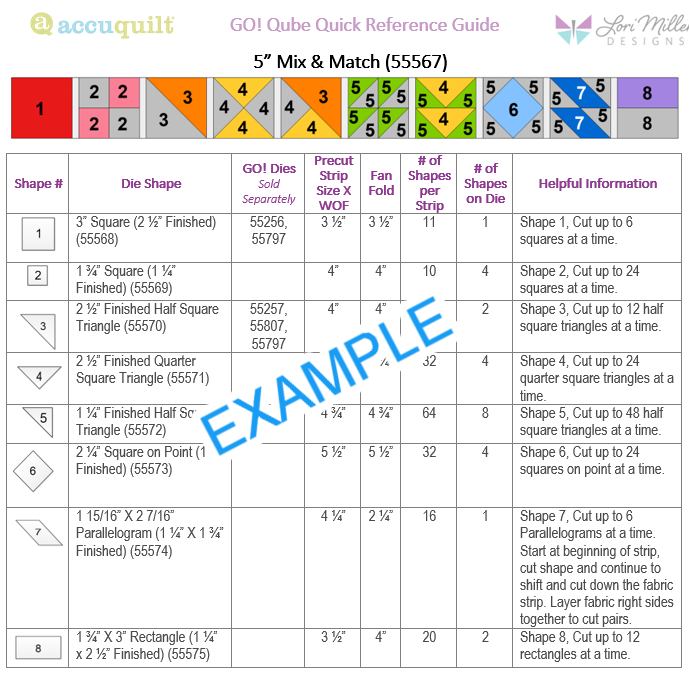
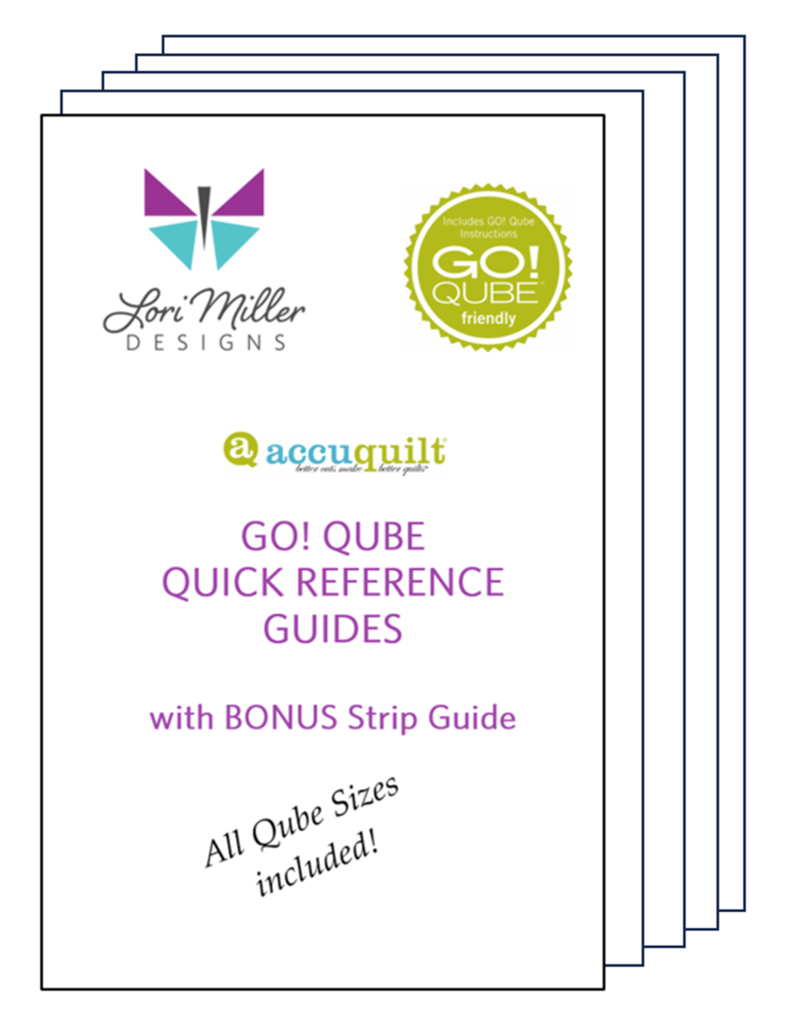
They are here! The brand new AccuQuilt Qube Quick Reference Guides by Lori Miller Designs.

If you don’t know by now, I love using my AccuQuilt GO! Cutters with my GO! Qube sets. I just think they are so versatile to create all kinds of traditional style blocks in many different sizes.

I was printing out the huge GO! Fabric Reference Chart provided by AccuQuilt which is a wealth of great information. However, I wanted something a bit easier to read since I used it so often. And since I have been buying multiple sizes of Qubes, I wanted the Qube information for several sizes.

So I created a Quick Reference Guide for every Qube!

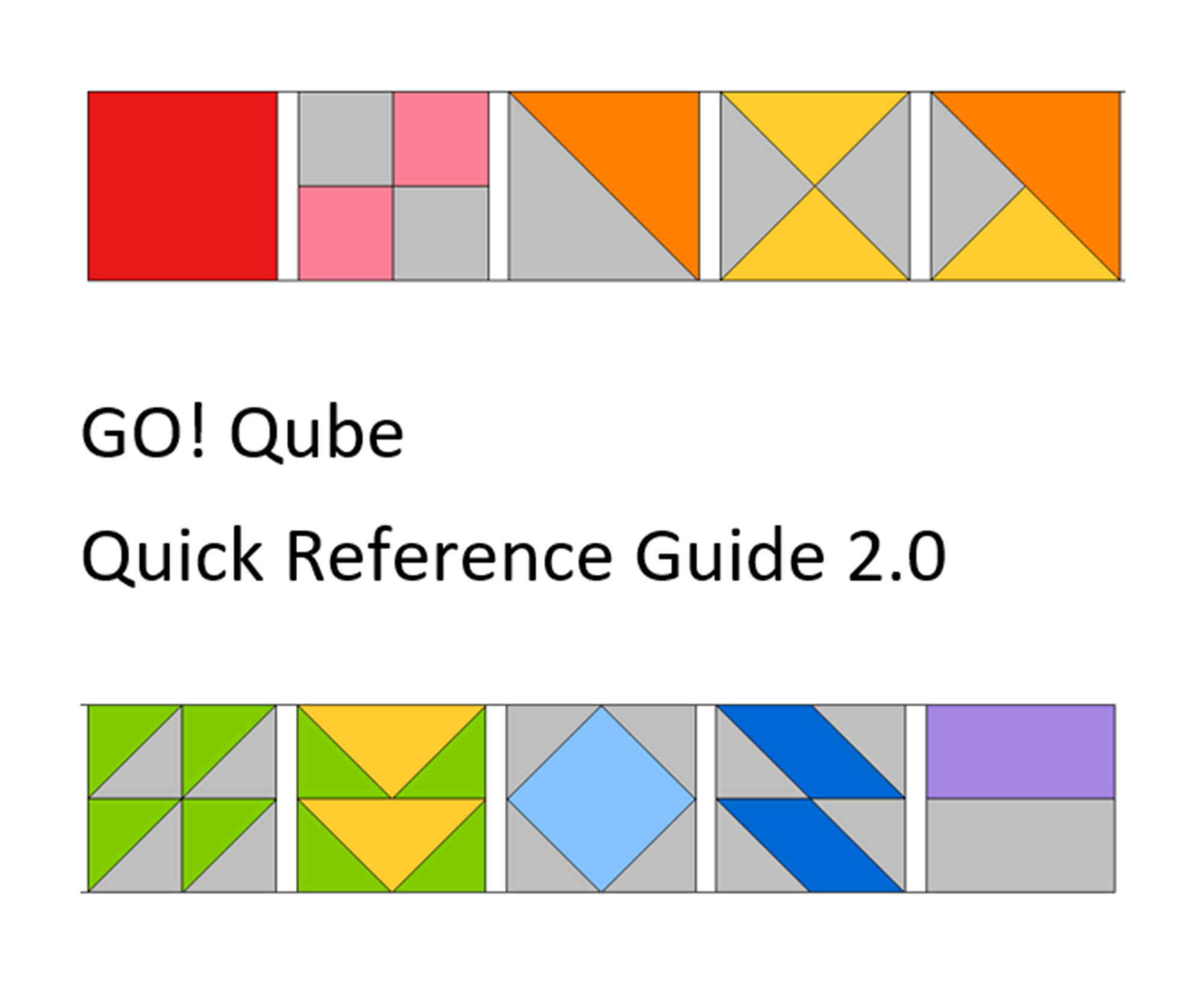
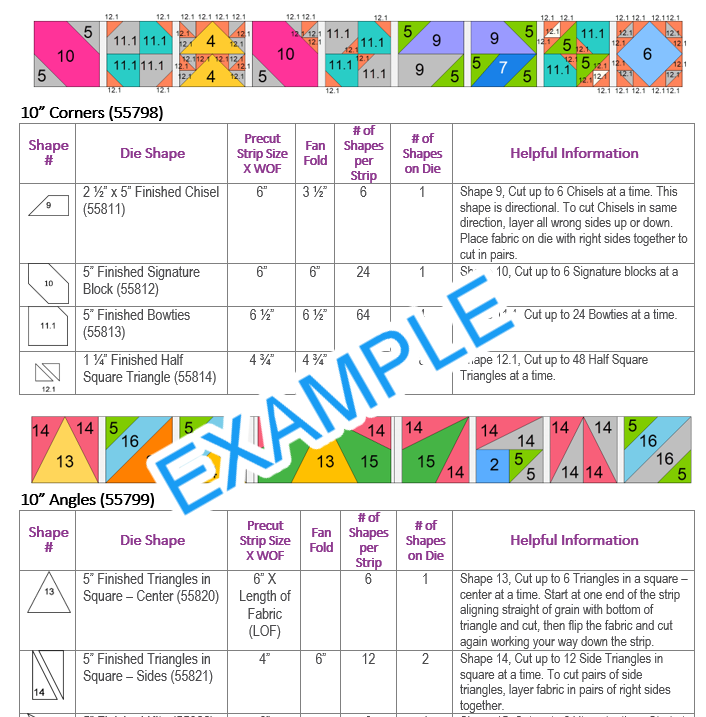
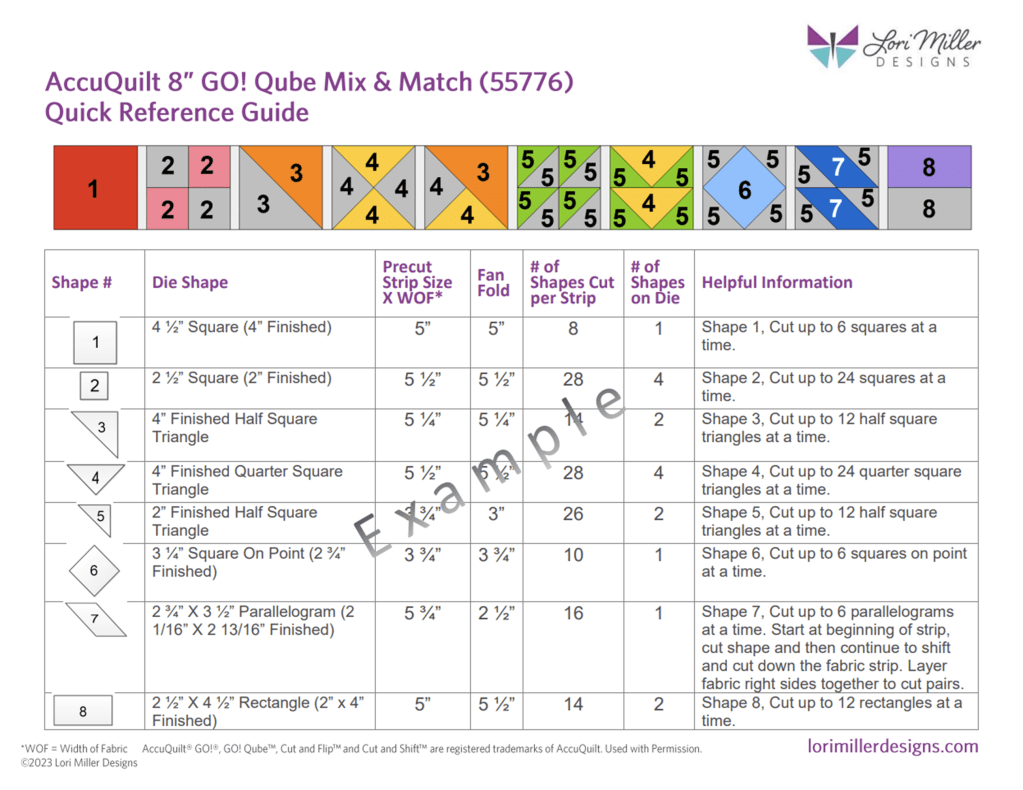
In this guide, you have all of the information at your fingertips in a larger print to figure out how to cut out the shapes you need from your AccuQuilt GO! Qubes and Strips.  There are visual guides to all of the shapes.  It contains what size strips to cut and how many shapes you can get out of a strip.  It also includes fan folding information and how many shapes are on a die board.  This convenient guide gathers all the information you need in one place!

There are 4 pages of information for each size of GO! Qube:

  • Shapes 1 – 8 included in the AccuQuilt GO! Qube Mix & Match
  • Shapes 9-12.1 included in the AccuQuilt GO! Qube Companion Corners
  • Shapes 13- 16 included the AccuQuilt GO! Qube Companion Angles
  • A page with the corresponding block and Side and Corner Setting Triangles, plus Grid information to go beyond the Four Patch original block designs.

Bonus

I have also created TWO pages of information on the various GO! Strip dies containing all of the information to help you figure out what to cut and how much fabric you will need.

This AccuQuilt GO! Qube Quick Reference Guide is so handy and I don’t even have to grab my readers to see the print. I made mine even easier by printing the Guide on Card Stock and I punched a hole in each one for a ring to hold them all together.

You can purchase the guide in my shop.

Do you use EQ8 Quilt Design Software?

Check out my EQ8 Block Libraries available for any size GO! Qube and Block on Board dies. Design beautiful quilts with EQ8 and then cut them out with your GO! Cutter.

New Product! Add-on EQ8 Block Library: AccuQuilt BOB SET 4

New BOB Blocks are here! This new Add-on EQ8 Block Library for AccuQuilt contains 16 gorgeous BOB blocks that were released in 2022. BOB die blocks enable you to create an entire block with one die board.  Every piece needed for the block is on the design board. You can design your quilt with EQ8 and then use your AccuQuilt GO! cutter to cut it out.

This file contains SET 4 of the BOB block designs which includes 16 blocks.  The blocks vary in size as indicated to match the actual size of the BOB die block. I have included the size of the block by the name reference.

The ONLY designs included in this set are:

  • GO! Alabama Beauty 10” (55597)
  • GO! Butterfly Pieced 9” (55598)
  • GO! Chinese Lanterns 8” (55599)
  • GO! Goose Tracks 9” (55536)
  • GO! Grandmother’s Fan 9” (55537)
  • GO! Lucky Star 10” (55600)
  • GO! Mill and Stars 8” (55601)
  • GO! Mosaic #4 10” (55608)
  • GO! North Carolina Star 12” (55605)
  • GO! Plaited Block 12” (55606)
  • GO! Priscilla Stripe 6” (55607)
  • GO! Road to Fortune 9” (55586)
  • GO! Star of the East 9” (55587)
  • GO! Tree of Life 14” (55588)
  • GO! Washington’s Puzzle 4” (55602)
  • GO! Whirling Star 12” (55603)

Required: A running copy of EQ8 Quilt Design Software from The Electric Quilt Company.

Required: You will need the Accuquilt BOB die set in the size that matches the EQ8 library file in order to cut out these block designs with the Accuquilt GO! Cutter.  Make sure your cutter is the right size for the BOB die.

This is a downloadable digital file that you will place into your personal block library.  Once you place the block file in your library, you will be able to use it immediately to draw and design quilts.  I have included all of the instructions to add the files to your EQ8 Design Software.  You will receive the EQ8 Block library, a block reference guide and an instruction document.  The blocks are all labeled to match the reference guide.

Now you can use the power of EQ8 to recolor and combine blocks to design beautiful quilts.

Once you have designed your quilt, you can use your Accuquilt GO! Cutter to make it.  I have also included tips and suggestions for determining what dies to use and how to determine fabric requirements.

I hope you enjoy these files as you create your BOB design quilts.

Happy designing with your Accuquilt Block on Board Set 4 library blocks in EQ8!

If you liked the new Add-on EQ8 Block Library files for AccuQuilt BOB Set 4, check out my other available Add-on Block libraries for EQ8 that work with AccuQuilt in my shop.

I appreciate your feedback and suggestions on this product. Please tag me on Facebook or Instagram @lorimillerdesigns with your designs, I would love to see them.

New Product! Add-on EQ8 Block Library: AccuQuilt BOB SET 3

You have been asking for them and they are finally here! This Add-on EQ8 Block Library for AccuQuilt contains another 15 lovely BOB blocks. BOB die blocks enable you to create an entire block with one die board.  Every piece needed for the block is on the design board. You can design your quilt with EQ8 and then use your AccuQuilt GO! cutter to cut it out.

This file contains SET 3 of the BOB block designs which includes 15 blocks.  The blocks vary in size as indicated to match the BOB die. I have included the size of the block by the name reference.

The ONLY designs included in this set are:

  • GO! Basket of Lilies 12” Finished (55530)
  • GO! Carpenter’s Wheel 18” Finished (55531)
  • GO! Cornucopia 10” Finished (55532)
  • GO! Crossroads 9” Finished (55533)
  • GO! Drunkards Path 3.5” Finished (55070)
  • GO! Drunkards Path 4” Finished (55338)
  • GO! Drunkards Path 7” Finished (55034)
  • GO! Feather Star 16” Finished (55535)
  • GO! Goose Tracks 9” Finished (55536)
  • GO! Pickle Dish 10” Finished (55539)
  • GO! Prairie Star 14” Finished (55540
  • GO! Rising Star 10” Finished (55541)
  • GO! Schoolhouse 9” Finished (55542)
  • GO! Tangled Star 10” Finished (55543)
  • GO! Weathervane 8” Finished (55544)

Required: A running copy of EQ8 Quilt Design Software from The Electric Quilt Company.

Required: You will need the Accuquilt BOB die set in the size that matches the EQ8 library file in order to cut out these block designs with the Accuquilt GO! Cutter.  Make sure your cutter is the right size for the BOB die.

This is a downloadable digital file that you will place into your personal block library.  Once you place the block file in your library, you will be able to use it immediately to draw and design quilts.  I have included all of the instructions to add the files to your EQ8 Design Software.  You will receive the EQ8 Block library, a block reference guide and an instruction document.  The blocks are all labeled to match the reference guide.

Now you can use the power of EQ8 to recolor and combine blocks to design beautiful quilts.

Once you have designed your quilt, you can use your Accuquilt GO! Cutter to make it.  I have also included tips and suggestions for determining what dies to use and how to determine fabric requirements.

I hope you enjoy these files as you create your BOB design quilts.

Happy designing with your Accuquilt Block on Board Set 3 library blocks in EQ8!

If you liked the new Add-on EQ8 Block Library files for AccuQuilt BOB Set 3, check out my other available Add-on Block libraries for EQ8 that work with AccuQuilt in my shop.

I appreciate your feedback and suggestions on this product. Please tag me on Facebook or Instagram @lorimillerdesigns with your designs, I would love to see them.

Share this:

New Product! Add-On EQ8 Block Library – AccuQuilt Qube Sweet Sixteen

Introducing my newest Add-on EQ8 Block Library file, Sweet Sixteen! I am excited to offer the next set of digital EQ8 Block Library files for the AccuQuilt Qubes.  These files include 60 gorgeous Sixteen patch Patch variation block designs that you can load into EQ8 Quilt design software.

EQ8 is Quilt Design Software by The Electric Quilt Company.  I design my quilts in EQ8, I teach EQ8 and I use EQ8 in my original patterns. I love this design software! It is so versatile and let’s you design your own beautiful quilts with any block design.

These block designs work with the AccuQuilt GO! Qube Mix & Match Block die sets.  You can use the Die Shapes in the GO! Qubes to cut out these blocks.

These EQ8 Block Library files are downloadable digital files that are designed to work with your EQ8 Quilt Design Software.  They are only compatible with EQ8.  Once you place the block file in your library, you will be able to use it immediately to draw and design quilts.

Required: A running copy of EQ8 Quilt Design Software.

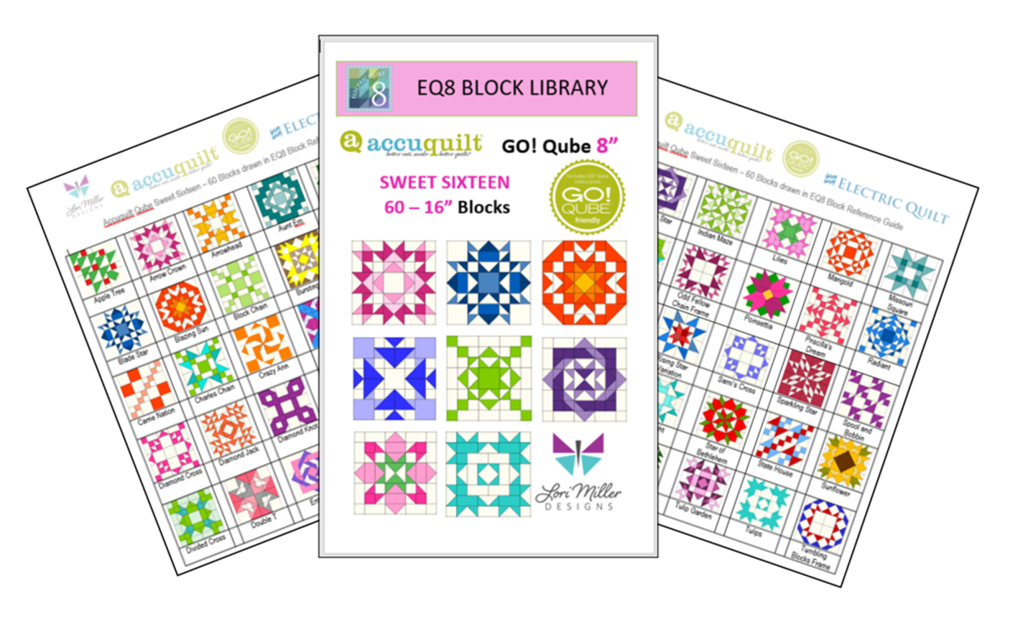
60 Beautiful Sixteen Patch Blocks!

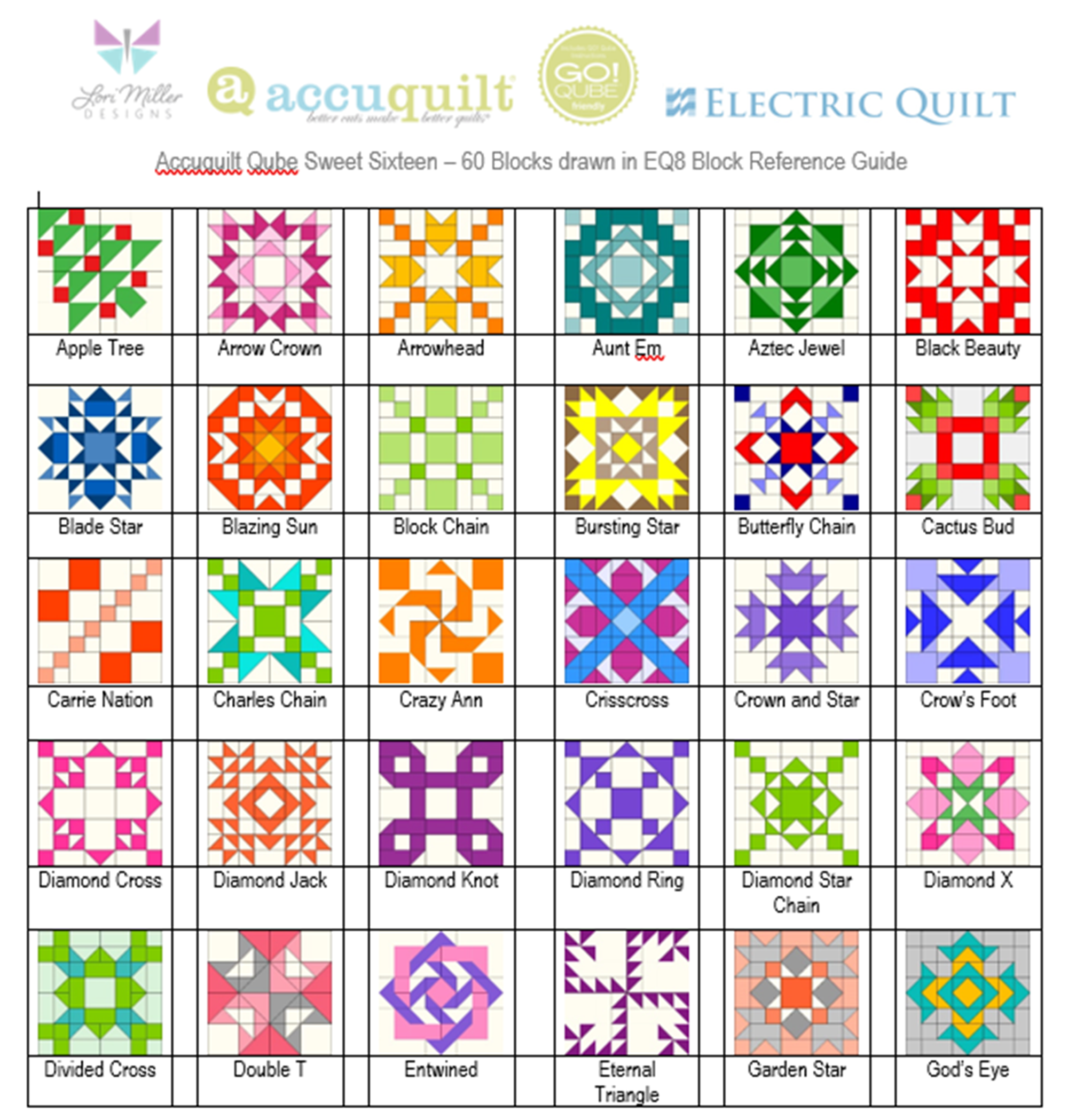
I have included 60 Sweet Sixteen Block designs with brand new, traditional and even familiar blocks. There are so many design possibilities in EQ8.

These blocks are Sixteen Patch Blocks that can be cut out with your Go! Qube Mix & Match Set, no companion dies are needed.

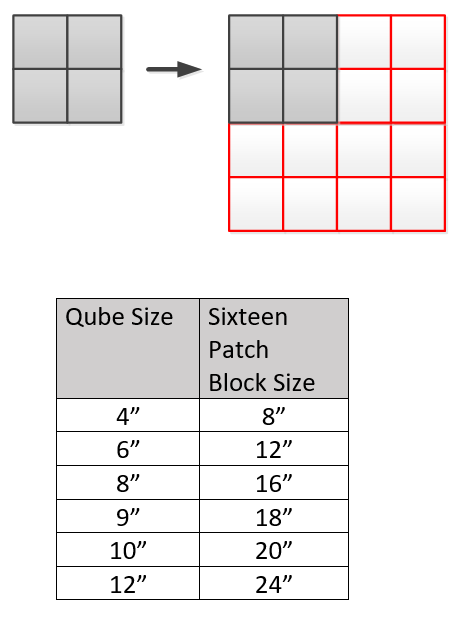
Since the Sixteen Patch design is based upon a 8 x 8 grid, your finished block sizes will finish larger as indicated in the chart below.

The Sweet Sixteen block files are available for all Qube sizes.  You only need one size of EQ8 Qube files as EQ8 will let you resize the blocks.

Complete Instructions including Die Cutting Guide!

Each set of library blocks comes with a complete set of Instructions, a Block Reference Guide and a Die Cutting Guide.

The Die Cutting Guide provides pictures of the Sweet Sixteen blocks and which shapes are needed from the Qube to cut out that block similar to the picture above.

Please note:  If you have more than one size of Qube, you only need one size of library.  Once you have the EQ8 Library for AccuQuilt installed into EQ8, you can easily resize to your other size Qubes as it will scale properly.  You can certainly purchase other sizes for convenience, but it is not necessary.

Thank You!  And Happy Quilting!

More Products Available!

If you like designing and making your own quilts with EQ8 and AccuQuilt, check out some of my other products.

Find GO! Friendly patterns and more Add-on EQ8 Block Libraries including the original 216 Four Patch Mix & Match designs, Nine Patch Party, Five Patch Fun, Sweet Sixteen, English Paper Piecing and four sets of BOB libraries.

Published – Autumn Aglow Quilt

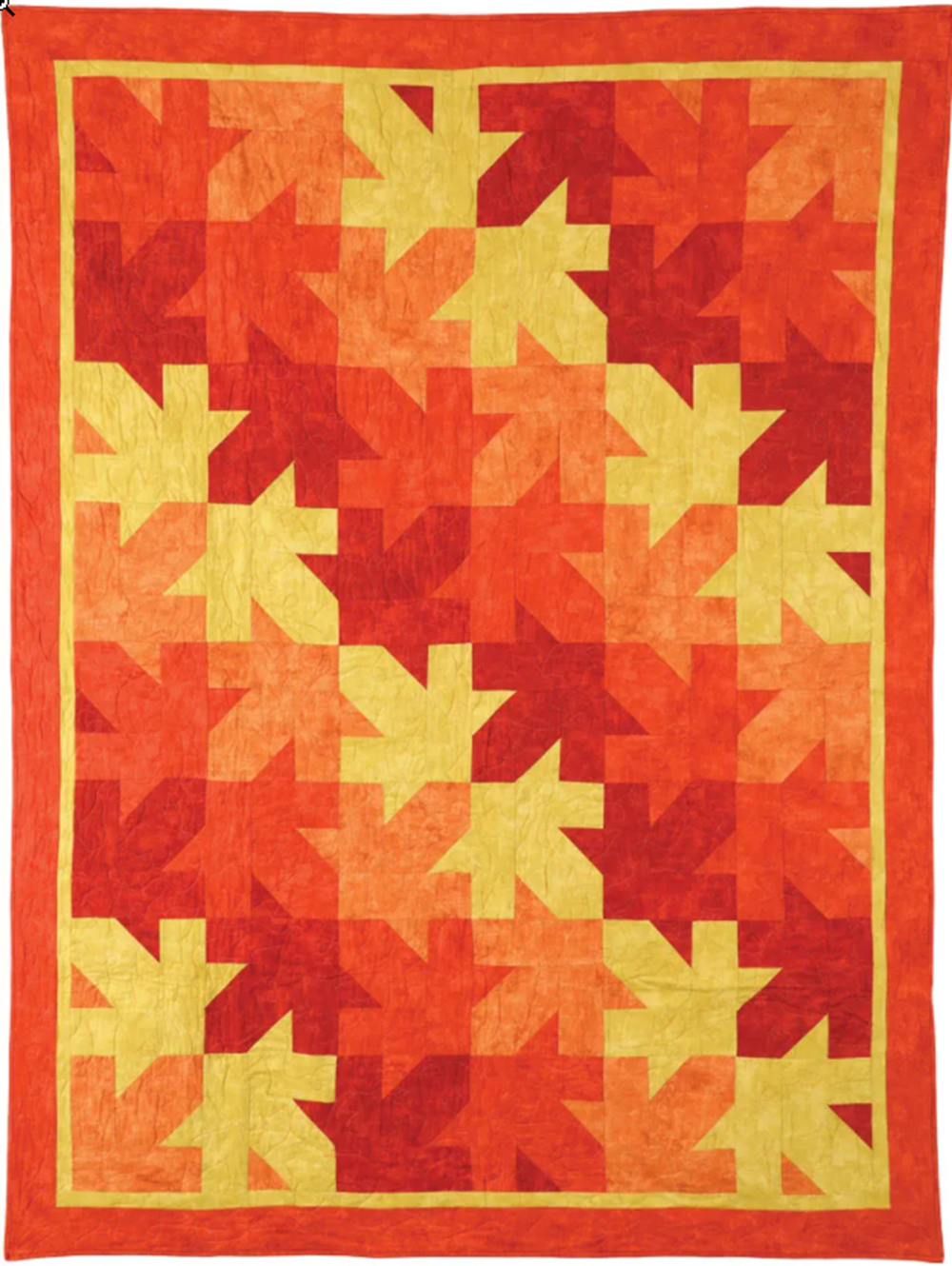
Autumn Aglow by Lori Miller Designs

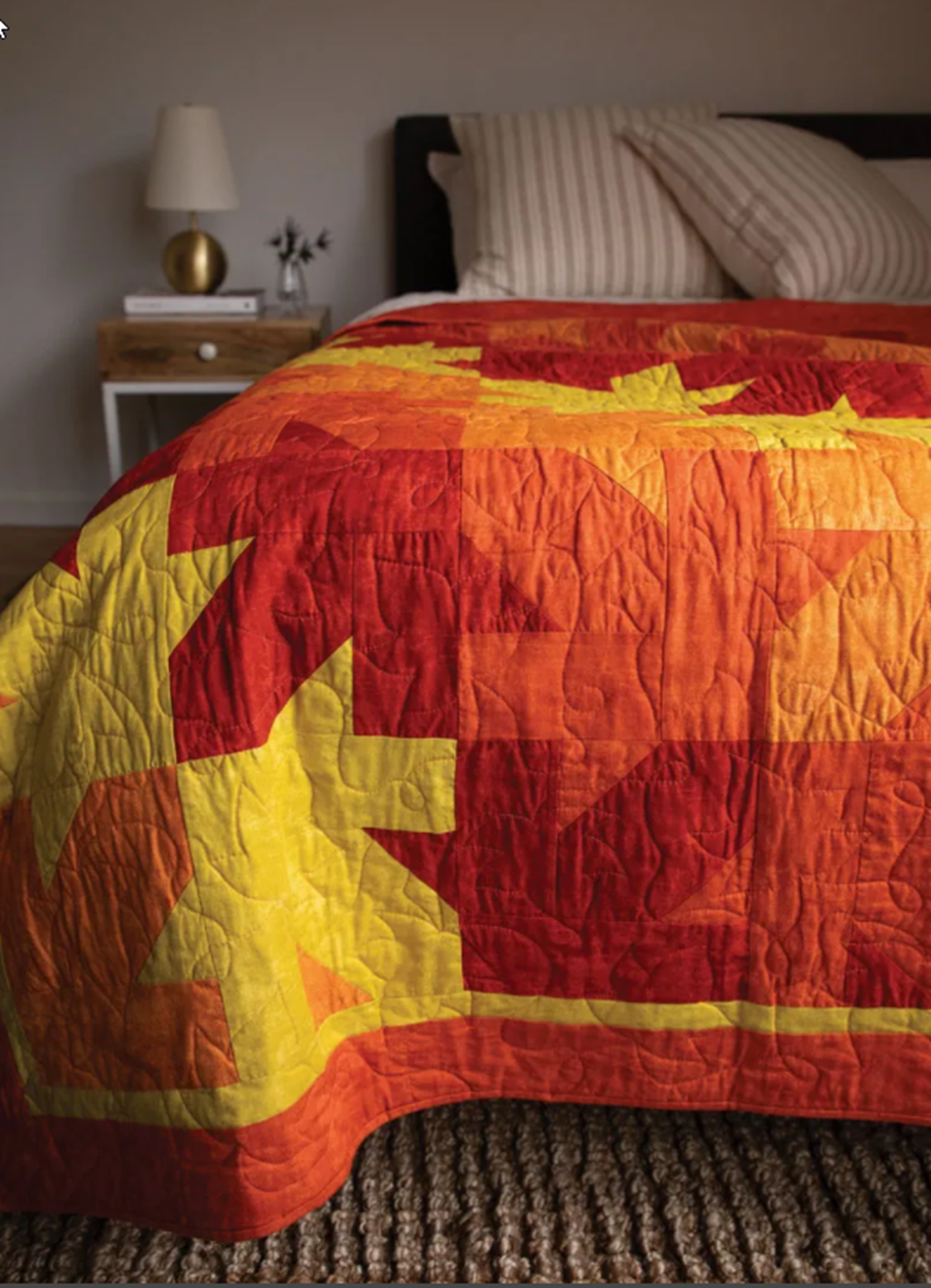
I think it is too early to think of fall, yet here I come with a colorful fall quilt call Autumn Aglow. This gorgeous quilt is reminiscent of falling leaves. The large block is simple to piece and when put together creates a unique tesselating quilt design. I love the cheery fall colors.

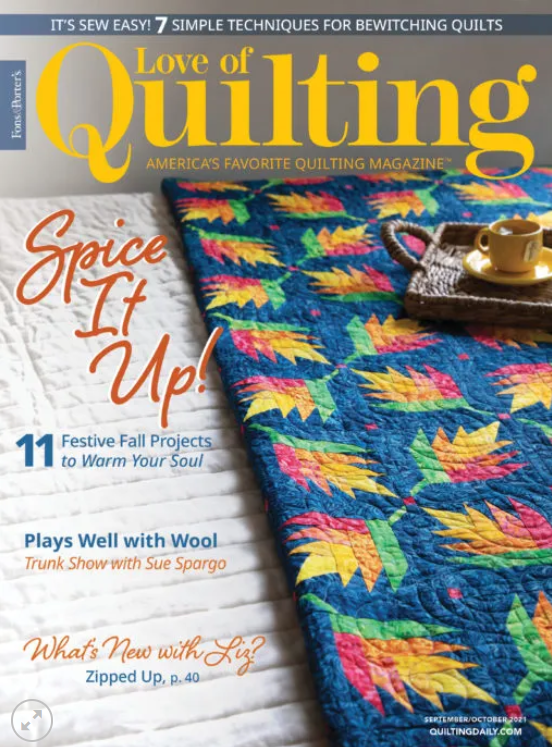
Featured in the September/ October 2021 issue of Fons and Porter’s Love of Quilting magazine, this issue is full of delightful fall, leafy projects… including my Autumn Aglow quilt.

I used blender cottons called Canvas by Deborah Edwards for Northcott. The blenders are perfect for creating the maple leaf pattern in the blocks.

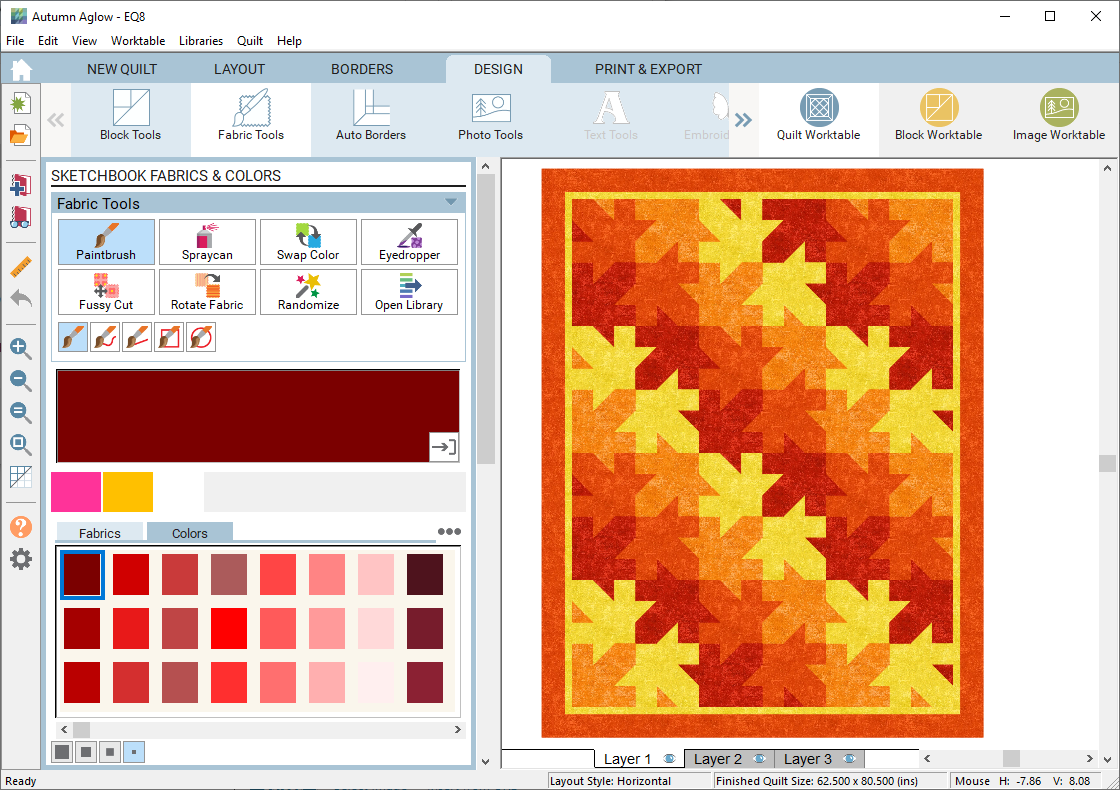
I designed this quilt with EQ8 Quilt Design Software. It made it so easy to try different colors and draw up the blocks.

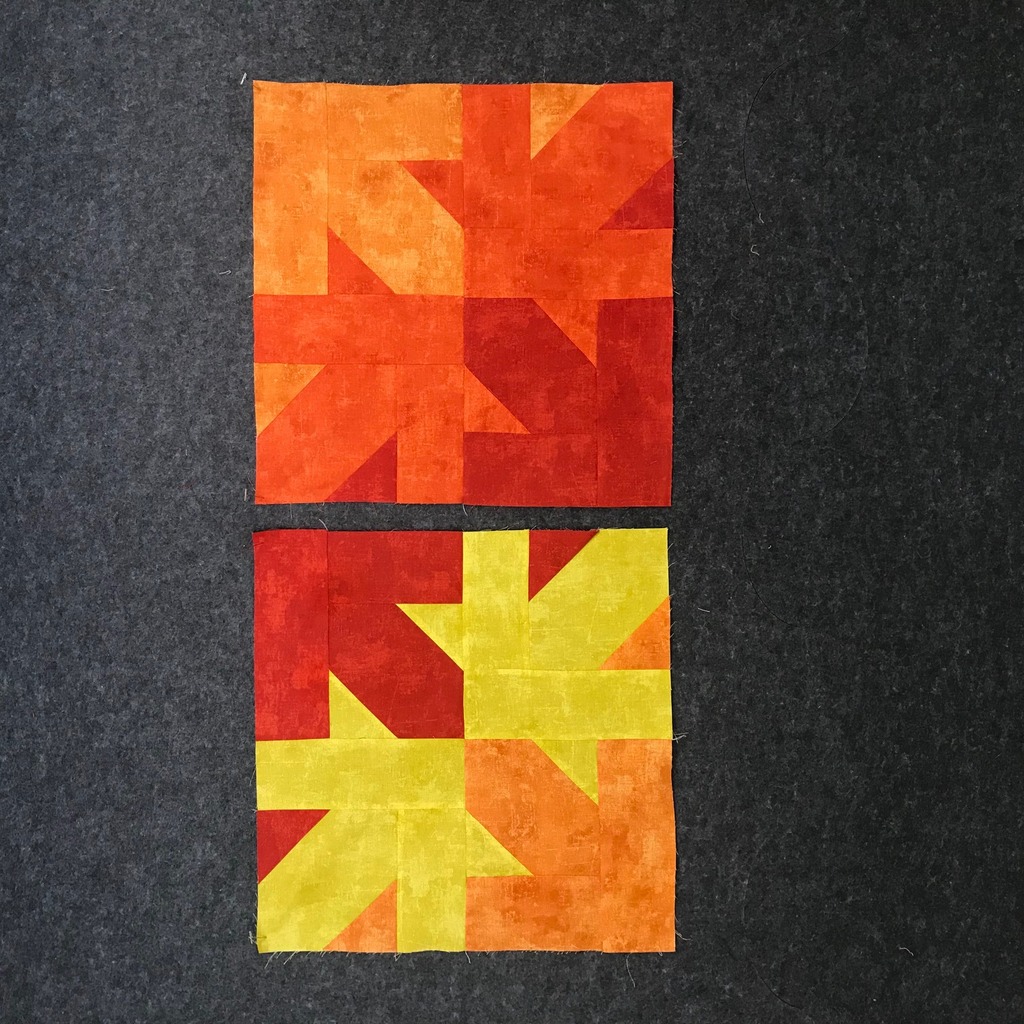
This quilt uses only four colors and you only make multiples of these two blocks for the design. Looks complicated but it is super easy.

Photo courtesy of Fons & Porter Love of Quilting Magazine, Quiltingdaily.com Copyright 2021

I used an allover edge to edge maple leaf design. The batting is Tuscany Cotton/Wool batting 80/20 generously provided by Hobbs. This is my favorite batting as the loft really shows off the quilting.

Pick up a copy of Fons & Porter’s Love of Quilting September/October issue for my pattern and more information.

Happy Stitching!

Published – Peabody Pouch

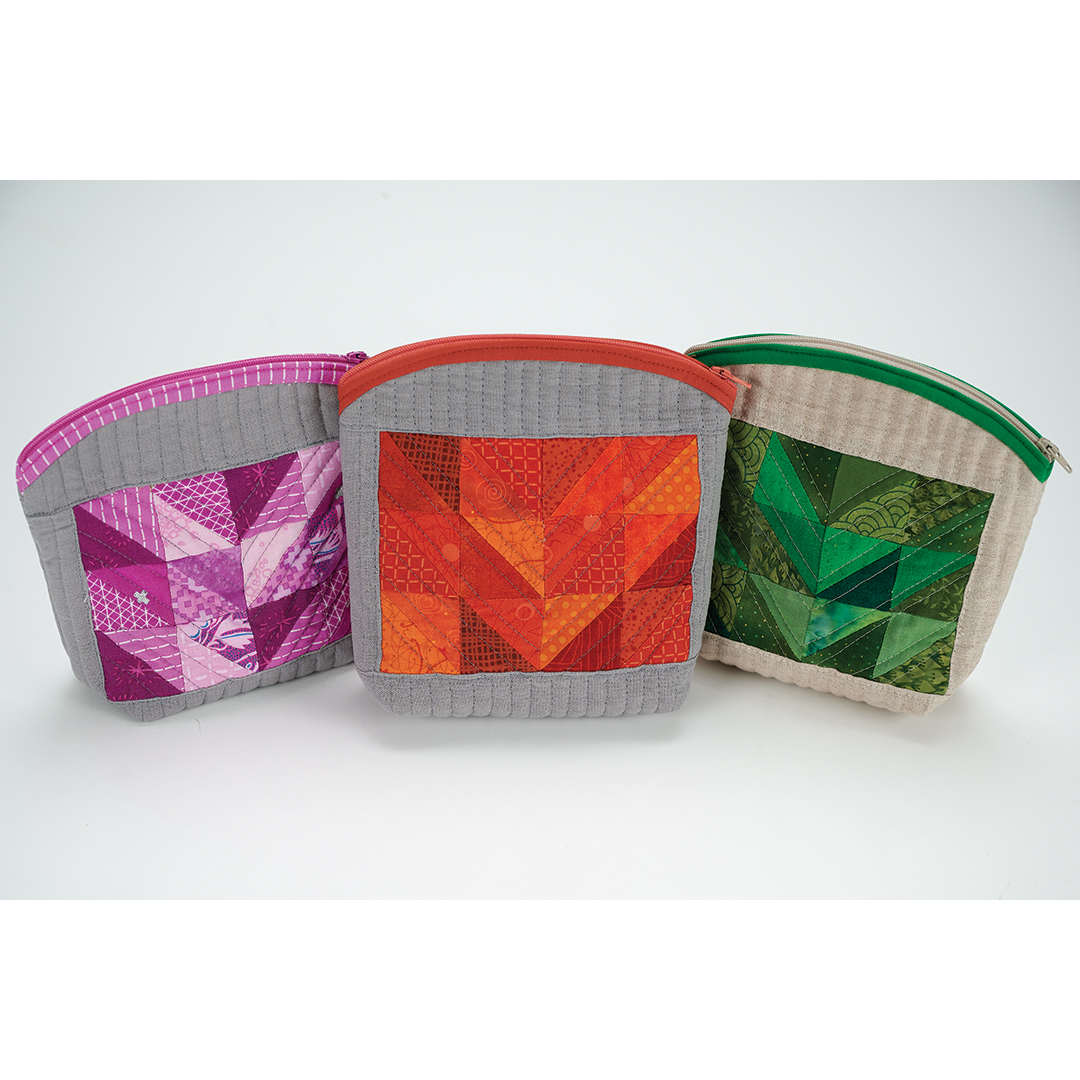
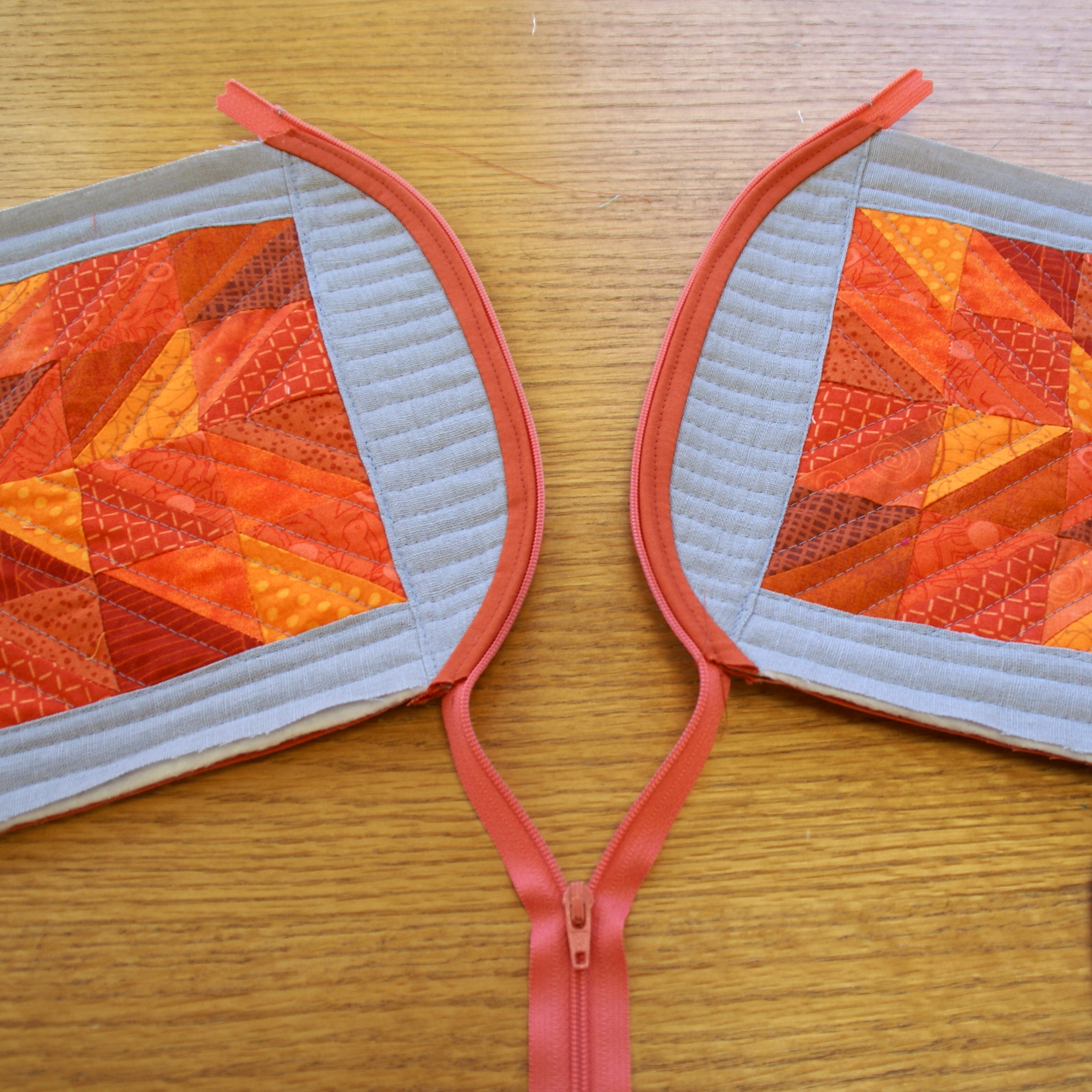
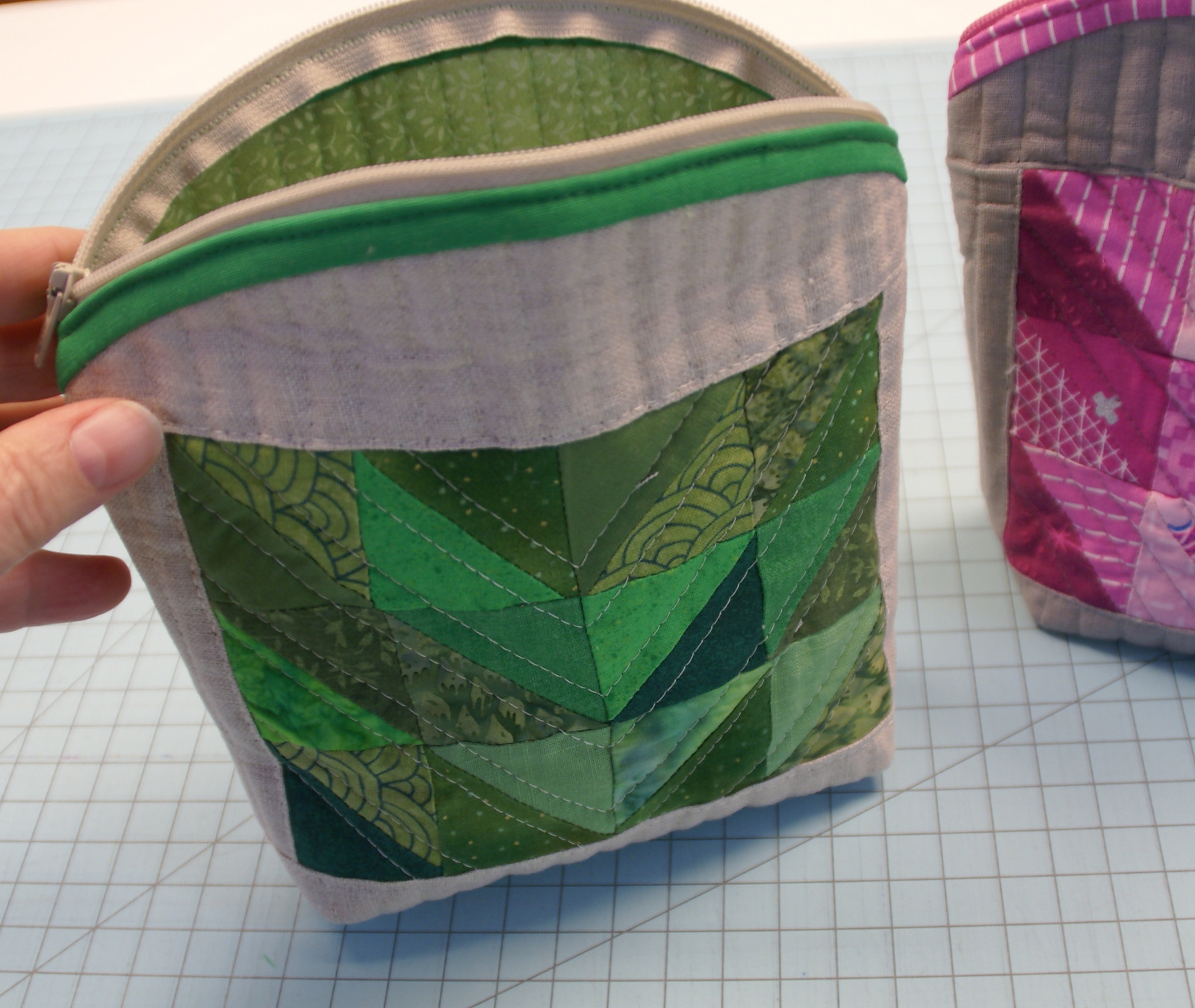
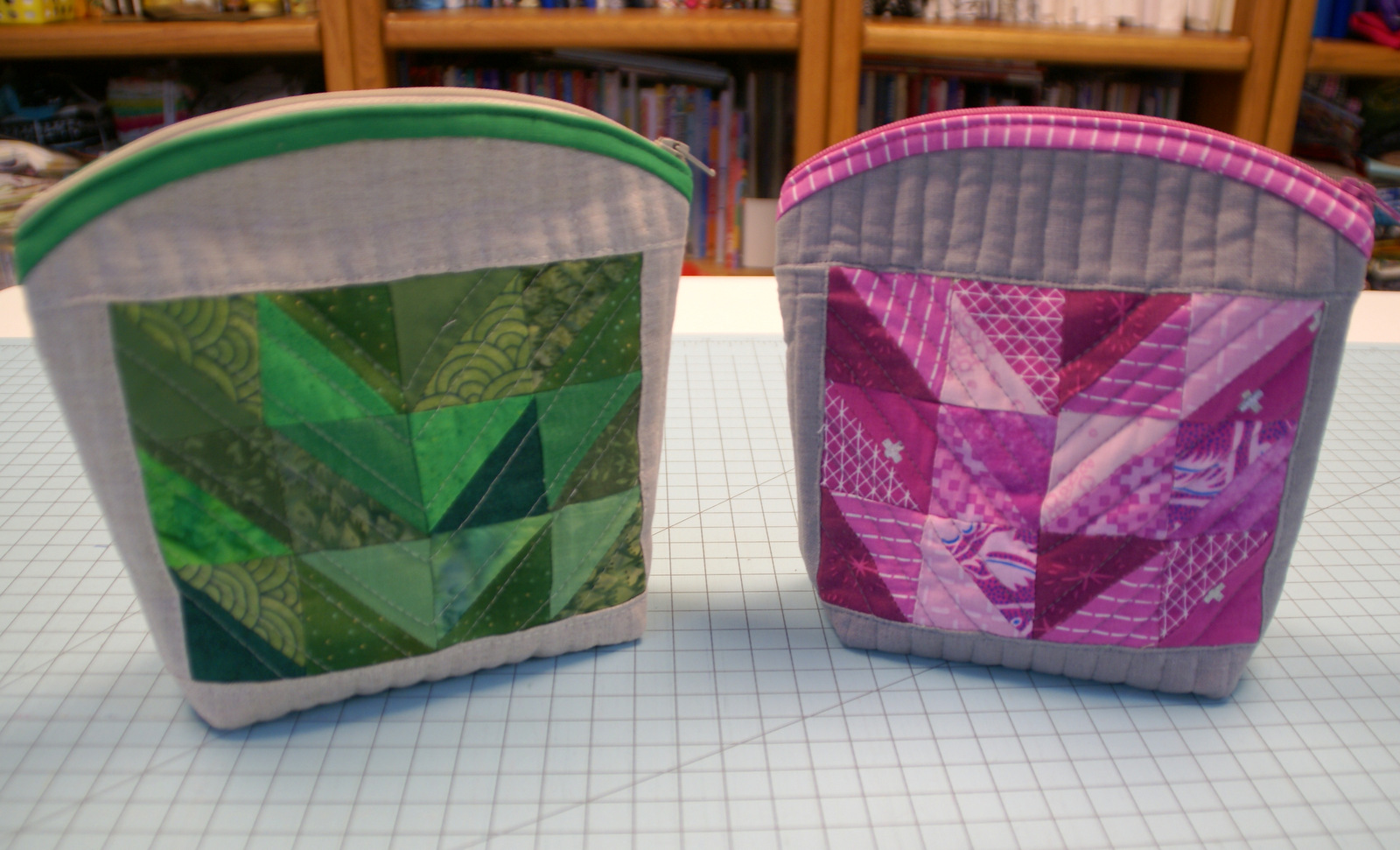
Hot off the Press! I am delighted to share my Scrappy Peabody Pouches! These cute little pouches feature a unique shaped top that opens wide to fill with whatever goodies you like. I used color coordinated scraps from the stash to create these little cuties.
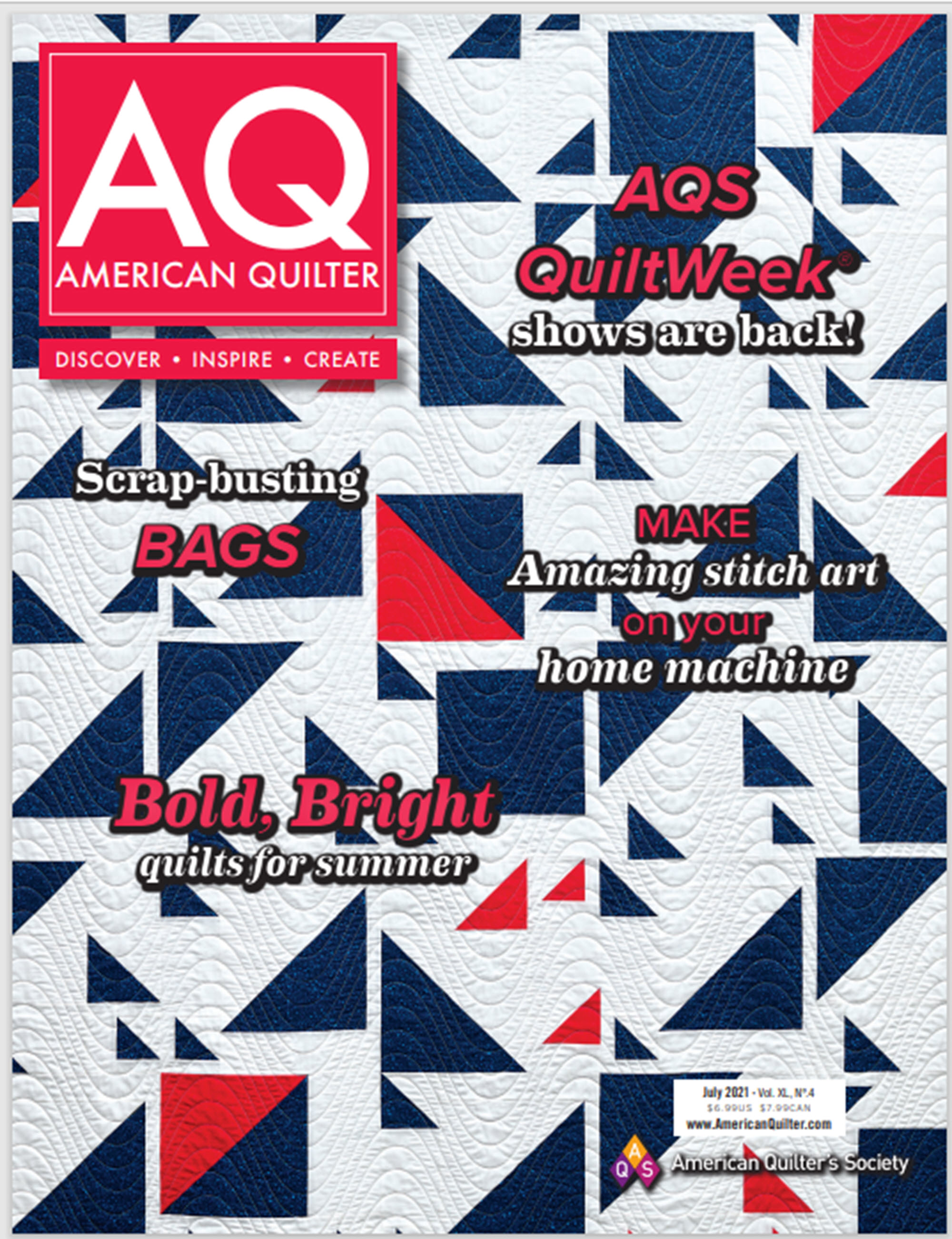
Featured in the July 2021 issue of American Quilter Magazine, this issue is loaded with lots of fun projects…including my Peabody Pouches.

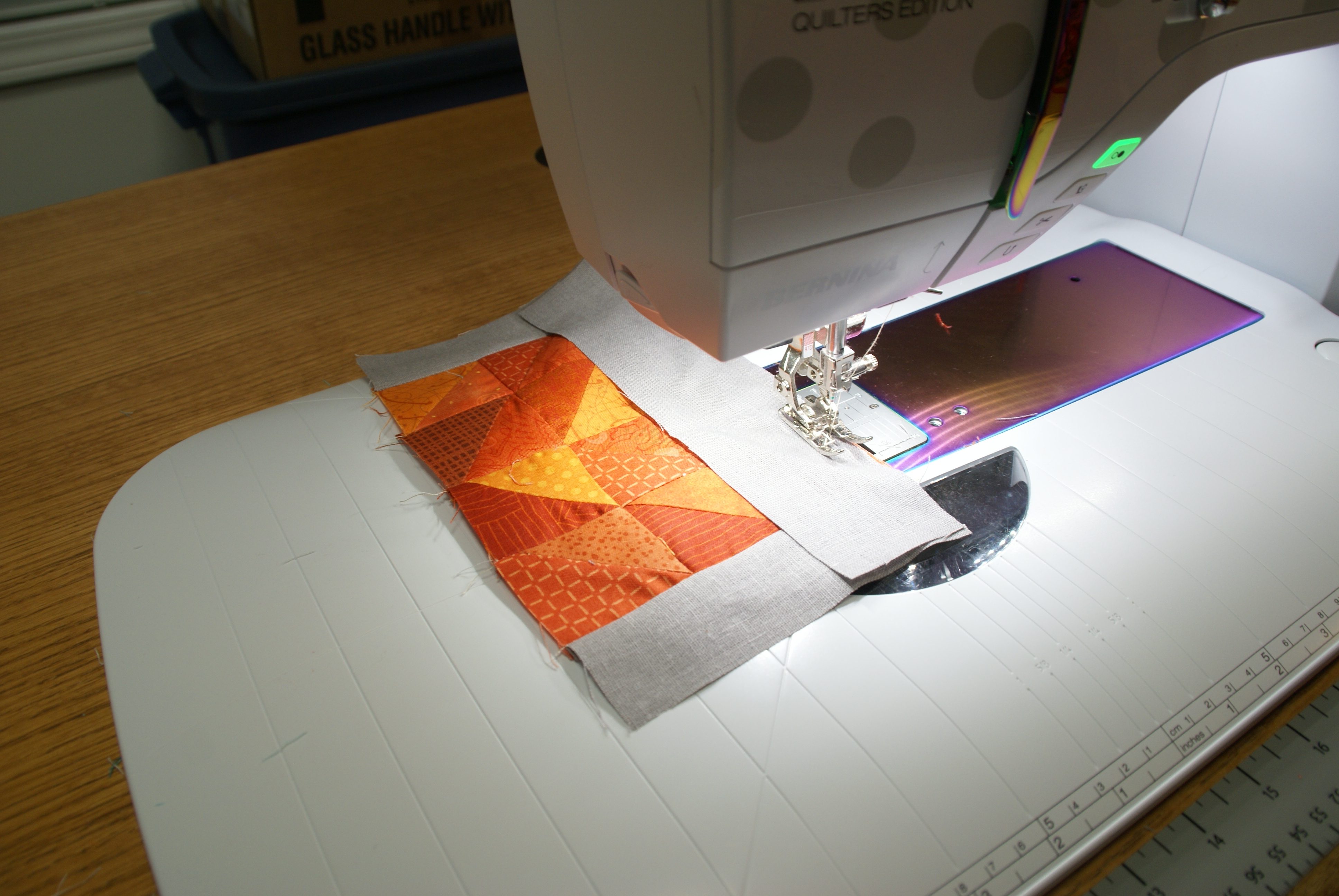
I pieced the scrappy half square triangles and then used scrap linen from the stash for the body of the pouch.

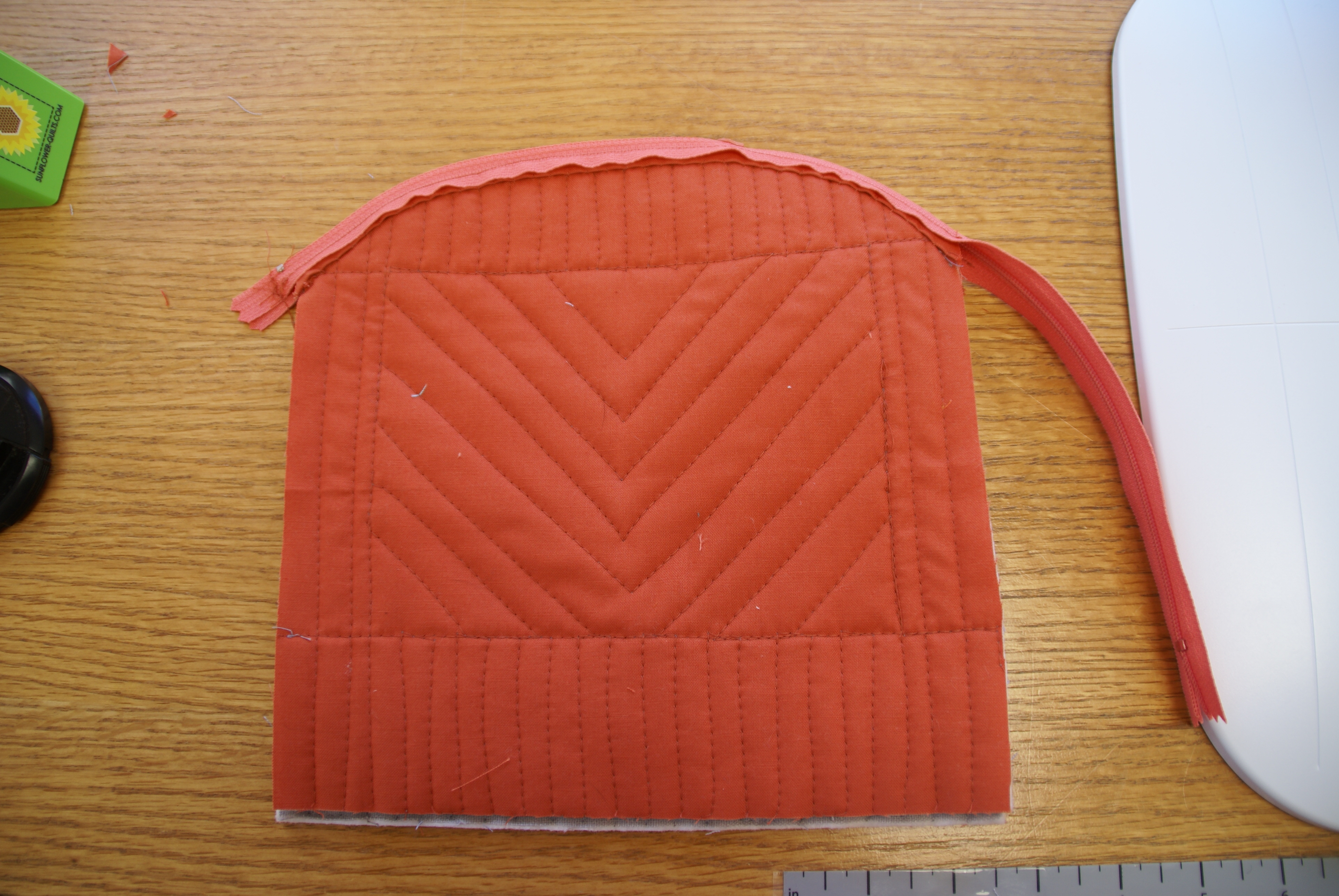
I stitched the zipper right on curved top of the pouch to create the unique shape.

I quilted right through the lining and just used binding to hide the raw edges on the inside.

That curved top helps the bag open wider to really fill it up whether you use for cosmetics, quilting notions or essential chocolate.

You can stitch up a whole group of little Peabody pouches for gifts or just make something special for yourself. They make great assembly line sewing, so make up a pile of them.

Grab a copy of the latest issue or head over to Americanquilter.com to get a digital copy.

Happy Stitching!
Free Tutorial: Adorable Bee Applique with Accuquilt

 Isn’t this the most adorable little bee applique?  As an Accuquilt GO! Getter, I get to play with some fun dies and this little guy comes from the GO! Critters Die (55030).
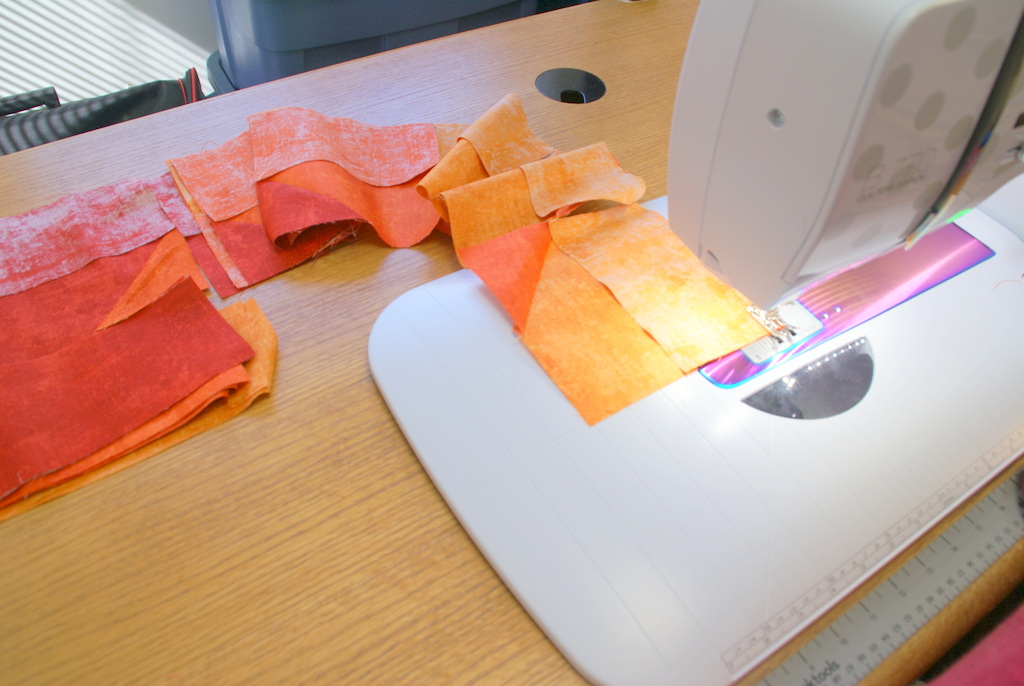
The Accuquilt GO! Die cutting system allows you to cut accurate shapes very quickly out of fabric which is perfect for applique.


The GO! Critters die actually contains 3 different Critters, a Butterfly, a Bee and a Dragonfly.  But today, we are going to focus on the busy little bee.

By getting creative and with a little bit of piecing, you can create a super cute Bee applique.

Bee Applique

Materials Needed:

  • Black fabric                      5″ x 10″ rectangle
  • Gold Fabric                      5″ x 10″ rectangle
  • White Sparkle Fabric       5″ Square
  • Fusible Web Interfacing  5″ Square

Cutting:

Black fabric 

  • Cut 1  – 2 1/2 ” x 3 1/2 ” Rectangle
  • Cut 3 – 1″ x 3 1/2″ strips

Gold fabric 

  • Cut 3 – 1″ x 3 1/2″ strips

White Sparkle Fabric

  • Cut 1 – 2 1/2″ x 3 1/2″ rectangle

Sewing

  1. Sew the black and gold strips together.  Start with the black 2 ½” strip and alternate with the 1” gold and black strips. 
  2. Press very flat.  I used starch to get it nice and flat. 

Finishing

  1. Press a 2 ½’ x 5 ½” piece of fusible web to the back of each pieced bee.
  2. Press a 2 ½” x 3 ½” piece of fusible web to the back of the sparkle white fabric which will be used for the wings.
  3. Cut bee using the GO! Critters Die.  Carefully align the pieced fabric FACE UP so the seam of the wide black strip is along the neck of the bee.  Die cut.
  4. Carefully trim the top of the bee so the back is smooth and curved.
  1. Cut the wings for the bee.  With the sparkle fabric facing up, carefully align the fabric to cover the bee’s wings.  Die cut.

  2.  Arrange the pieces with the wings tucked under the body and press the applique down on your project.  Finish the edges as desired.

Hint:  If you want the bee facing the other direction, just lay the pieces FACE DOWN instead.

After you applique your cute little bee, why not try some fun BIG STITCH quilting to mimic the bee buzzing in flight.

This adorable bee made the perfect applique to go with some pieced flowers on a quilt.

Use this happy little bee in this GO! Garden Bench pillow. You can find my free pattern at AccuQuilt.

Happy Stitching!